SwarmUI: 1-Click Installer, Model Downloader and Tutorials
SwarmUI auto installer and the ultimate image and video model downloader with ready presets, plus every SwarmUI tutorial and update log (FLUX, Wan, Qwen Image, LTX and more).
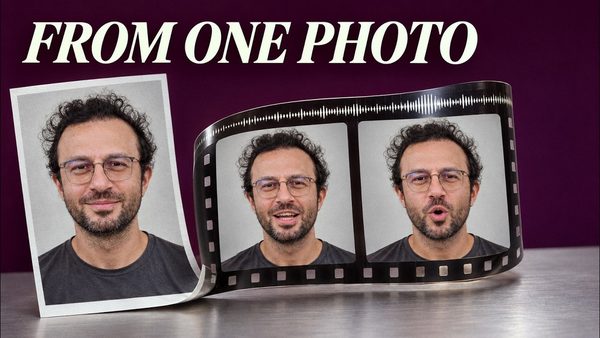
LongCat Avatar Tutorial: Turn Your Photo and Voice Into a Talking Video
LongCat Avatar 1.6 turns one photo and one audio file into a lip-synced talking video on your own GPU; our 3-step preset runs 2.9x faster than 8 steps.
SwarmUI Auto Installer & Ultimate Image and Video Model Downloader
SwarmUI auto installer with extensions plus a unified AI models downloader for SwarmUI, ComfyUI, Automatic1111 and Forge, with 105 ready SwarmUI presets.
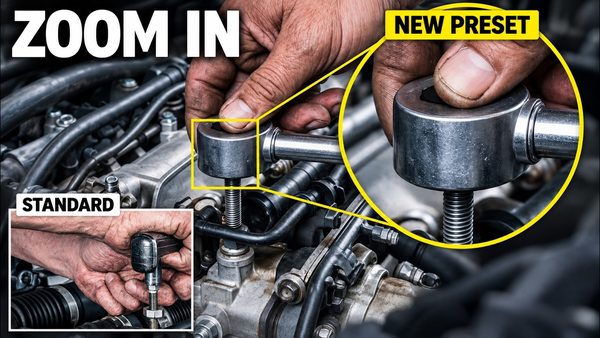
MiniMax H3 Image: New Preset Fixes Tiny-Detail Errors at 16 MP
MiniMax H3 Image gets a new text-to-image preset that draws small objects such as watch gears, gem settings and tools more correctly at 16 MP in 6 steps.
SwarmUI Full Tutorial: 1-Click Install, 4 MP Images, HD Video & Lip Sync
SwarmUI full tutorial from a fresh Windows install: our installers, model downloader with 517+ models and 86 presets turn your PC into a complete AI studio.

Pika H3 Flex Presets for ComfyUI & SwarmUI: Video With Synced Sound
Pika H3 Flex from Pika Labs now runs in ComfyUI and SwarmUI presets: a 5-second 1344 x 768 clip with stereo sound takes about a minute on an RTX 5090.
ComfyUI & SwarmUI Update: Anima Character Transfer, MOSS-Image Control
ComfyUI V146 and SwarmUI Model Downloader V186 add Anima one-image character transfer and MOSS-Image color and depth control, plus 91 SwarmUI presets in V85.
Higgsfield Genjutsu Character Replace Locally: ComfyUI & SwarmUI
MiniMax H3 Genjutsu presets replace the person in any video with your own character from one image, keeping the clip's motion, camera and original sound.
SwarmUI Latest Updates: Fibo 2.0, FastH3 Omni and New Presets
SwarmUI update log with the four latest releases; V184 adds the Fibo 2.0, MOSS Image Edit and FastH3 Omni models and grows Amazing SwarmUI Presets to 84.
SwarmUI Update Log: LTX 2.5 Presets, MiniMax H3 Continuation & More
SwarmUI latest updates: V172 adds multi-frame MiniMax H3 video continuation, and V170 brings 6 LTX 2.5 video presets with two-stage 1080p output and audio.
Ideogram 4 JSON Prompting Tutorial With Ultimate Image Captioner Pro
Ideogram 4 runs locally in SwarmUI and ComfyUI with Turbo, Balanced and Highest Quality presets; the masterclass teaches accurate JSON prompts.
LTX 2 Ultimate Tutorial: ComfyUI & SwarmUI on Windows and Cloud
LTX2 video tutorial covering ComfyUI and SwarmUI setup, model downloads and ready presets plus Z-Image Base, on GPUs with as low as 6 GB VRAM.
NVFP4 With CUDA 13 Tutorial: 100%+ Speed Gain & Quality Comparison
NVFP4 models run over 100% faster in ComfyUI and SwarmUI with CUDA 13; this full tutorial compares NVFP4 quality on FLUX 2, Z Image Turbo and FLUX 1 in grids.
SwarmUI to ComfyUI in 1-Click Tutorial: 40+ Presets, Shared Models
SwarmUI exports any preset as a ComfyUI workflow in 1 click; this tutorial runs Z Image Turbo with ControlNet and Wan 2.2 image-to-video presets in ComfyUI.
Qwen Image Edit 2511 Tutorial: 12-Case Comparison With 2509
Qwen Image Edit 2511 is a free, open source image editor that challenges Nano Banana Pro, with native 2560x2560 output in 12 steps, even on 6 GB GPUs.
Z-Image Turbo Tutorial: LoRA Training, ControlNet Union & Presets
Z-Image Turbo step by step: generate with ready SwarmUI presets, add Fun ControlNet Union and train LoRAs with Ostris AI Toolkit on GPUs from 6 GB.
Qwen Image Next Level Realism: LoRA Workflow Tutorial, 4+4 Steps
Qwen Image presets for SwarmUI with new realism LoRAs reach next level realism in only 4+4 steps; the full tutorial also covers inpainting and outpainting.
ComfyUI & SwarmUI on Massed Compute and RunPod: Cloud GPU Tutorial
ComfyUI and SwarmUI set up in 1 click on Massed Compute and RunPod cloud GPUs, with multi-GPU backends for faster Qwen, FLUX and Wan 2.2 generation.
SwarmUI and ComfyUI Tutorial: Free Local AI Image Generation
SwarmUI with a ComfyUI backend gives free, local AI image generation: a 1-click installer, realism and style presets, text-based editing and 4K/8K upscaling.

Qwen Image Edit Full Tutorial: 26 Demo Cases, Prompts & Images
Qwen Image Edit full tutorial with 26 different demo cases, from photo restoration and text changes to stylization, object removal and outpainting in SwarmUI.
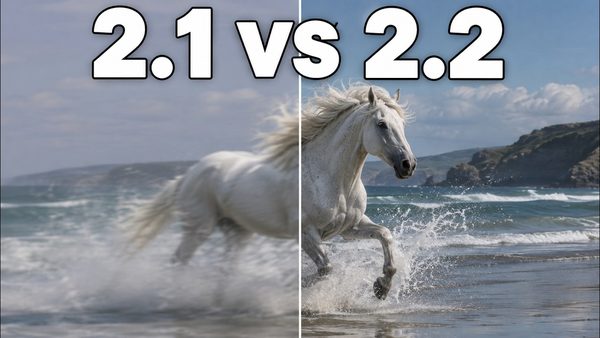
Wan 2.2, FLUX Krea & Qwen Image Upgraded: Fast 8-Step Presets Tutorial
Wan 2.2, Qwen Image, FLUX and FLUX Krea get new SwarmUI presets after a week of research, and new 8-step LoRAs make Wan 2.2 video and Qwen Image fast.

Wan 2.2 & FLUX Krea Full Tutorial: 1-Click Install & SwarmUI Presets
Wan 2.2 and FLUX Krea Dev in SwarmUI with a ComfyUI backend, using ready presets built from hundreds of parameter tests for videos from text or images.
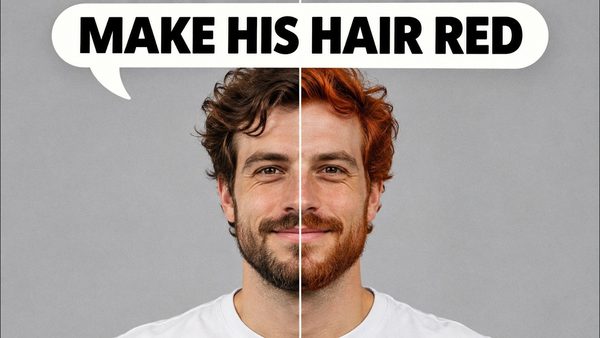
FLUX Kontext Dev Tutorial: Local Image Editing on Windows
FLUX Kontext Dev edits any part of an image with just a prompt, no mask or ControlNet, and can restore, colorize, outpaint and combine images in SwarmUI.
Wan 2.1 FusionX & Self Forcing LoRA: 8-Step Video + FLUX Upscaling Guide
Wan 2.1 FusionX and Self Forcing LoRA generate local videos from text or images in only 8 steps with our SwarmUI presets, plus FLUX 2x latent upscaling.

SwarmUI Beginner's Guide: Generate AI Videos With Wan 2.1 and More
SwarmUI beginner's guide to AI video by its developer mcmonkey: pick a model such as Wan 2.1 14B, add it to the right folder and generate your first clips.

ComfyUI & SwarmUI on RunPod Tutorial: 1-Click Setup With RTX 5000 GPUs
ComfyUI and SwarmUI on RunPod, step by step: install both with 1 click, connect ComfyUI as the SwarmUI backend and generate FLUX images and Wan 2.1 videos.
SwarmUI Teacache Tutorial: Wan 2.1 I2V & T2V Presets, 2x Faster
SwarmUI Teacache full tutorial: speed up Wan 2.1 image-to-video and text-to-video 2x and more with ready presets, using ComfyUI as the backend.
Wan 2.1 T2V & I2V in SwarmUI Tutorial: CausVid LoRA for Extreme Speed
Wan 2.1 text-to-video and image-to-video in SwarmUI with the CausVid LoRA at just 8 steps; on an RTX 5090 a clip took 90 seconds versus 170 on an RTX 3090 Ti.
SwarmUI With ComfyUI Backend Tutorial: Max Speed Install on Windows
SwarmUI and ComfyUI Windows tutorial: properly install ComfyUI in a VENV with 1 click, then use it as the SwarmUI backend for maximum performance.
SwarmUI Free Kaggle Notebook: FLUX, SDXL and SD 3.5 on Dual T4 GPUs
SwarmUI notebook for a free Kaggle account that runs FLUX Dev Q8 GGUF on both T4 GPUs at once, generating 2 images at the same time, with a video tutorial.
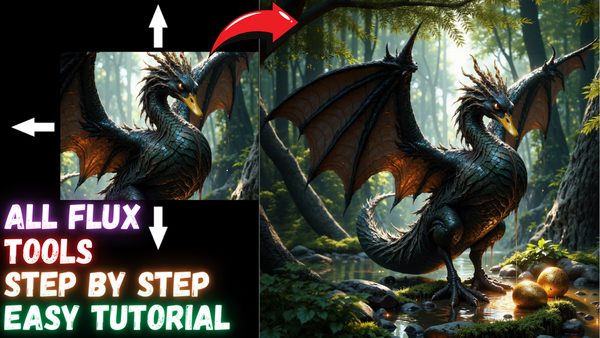
FLUX Tools SwarmUI Tutorial: Inpainting, Outpainting, Redux & Canny
FLUX.1 Tools complete SwarmUI tutorial: inpaint and outpaint with FLUX Fill, restyle and combine images with Redux, and guide images with Depth and Canny.
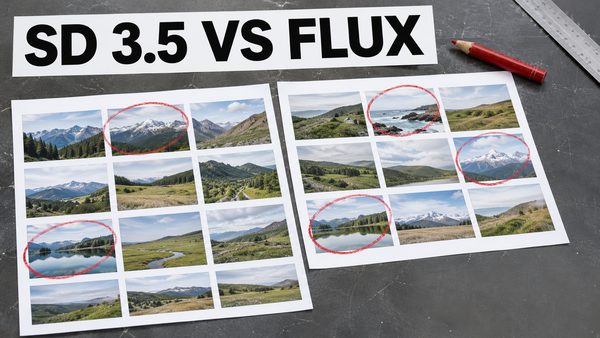
SD 3.5 Large vs FLUX Dev: Best Sampler, Scheduler & FP8 Comparison
Stable Diffusion 3.5 Large tested with 62 prompts to find the best sampler and scheduler, plus an SD 3.5 Large vs FLUX Dev comparison with raw grids shared.
Video tutorials