ComfyUI & SwarmUI Update: Anima Character Transfer, MOSS-Image Control
ComfyUI V146 and SwarmUI Model Downloader V186 add Anima one-image character transfer and MOSS-Image color and depth control, plus 91 SwarmUI presets in V85.
Highlights
Also brings an improved MOSS Image Edit, faster FastH3 Omni video decoding with LightVAE and a stronger MiniMax H3 Genjutsu character swap with new task adapters. The core bundles include every new model, and Amazing SwarmUI Presets V85 has 91 presets.
Related
ComfyUI Auto Installer: 1-Click Windows, Linux & Cloud With Presets
ComfyUI auto installer that sets up Sage Attention, Triton, xFormers and Flash Attention in one click, with ready presets for image, video and lip sync models.
ComfyUI & SwarmUI on Massed Compute and RunPod: Cloud GPU Tutorial
ComfyUI and SwarmUI set up in 1 click on Massed Compute and RunPod cloud GPUs, with multi-GPU backends for faster Qwen, FLUX and Wan 2.2 generation.
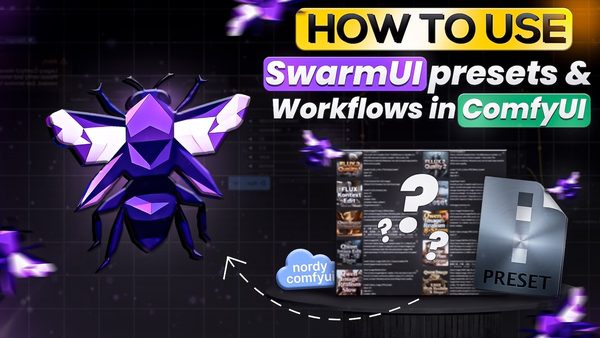
SwarmUI to ComfyUI in 1-Click Tutorial: 40+ Presets, Shared Models
SwarmUI exports any preset as a ComfyUI workflow in 1 click; this tutorial runs Z Image Turbo with ControlNet and Wan 2.2 image-to-video presets in ComfyUI.