MiniMax H3 Image: New Preset Fixes Tiny-Detail Errors at 16 MP
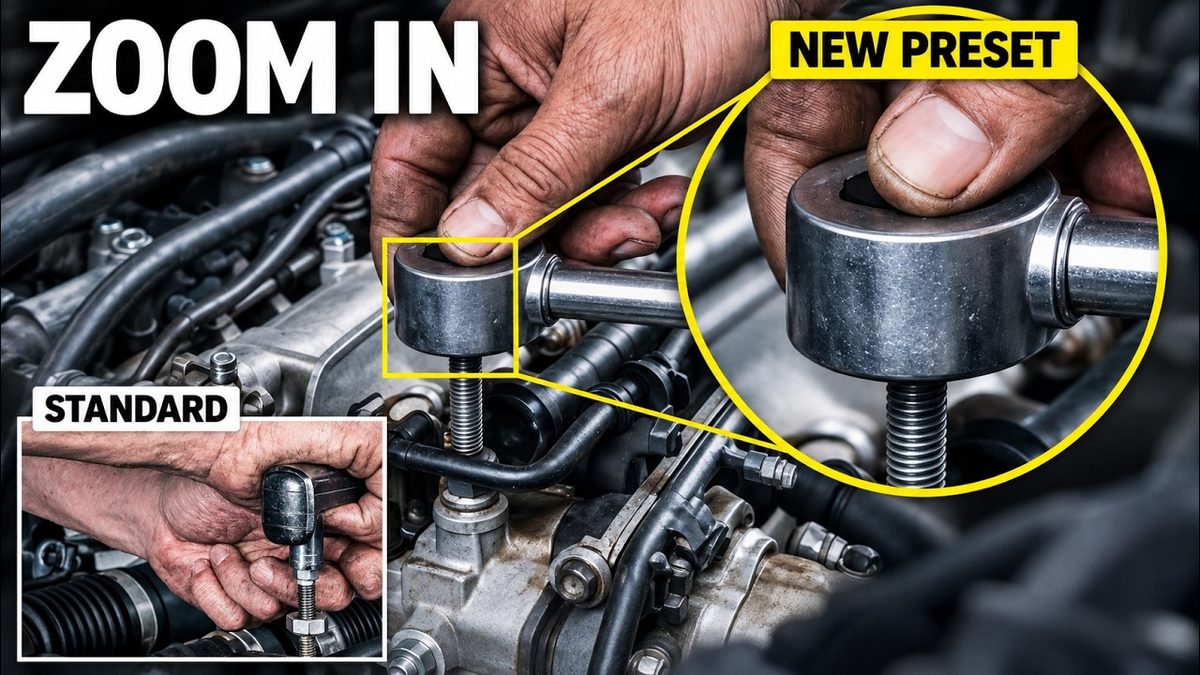
MiniMax H3 Image gets a new text-to-image preset that draws small objects such as watch gears, gem settings and tools more correctly at 16 MP in 6 steps.
Highlights
The new KJNodes Empty Image preset significantly improves errors in tiny details such as jewelry, watch, bike and food images, and ships in the ComfyUI installer V152 and Amazing SwarmUI Presets v90. Faces and rooms can look glossier, so the standard preset stays best for portraits; the full tutorial covers both ComfyUI and SwarmUI.
Video tutorial
New MiniMax H3 Image Preset Makes Details Massively Better in ComfyUI and SwarmUI (16 MP) · chapters and summary
More videos: Don't Reinstall ComfyUI: Update ComfyUI, SwarmUI, Models and Presets the Right Way (V147), Turn Your PC Into a Complete AI Studio: Images, Video With Sound, Lip Sync and Edits (SwarmUI), ComfyUI for Beginners: Install It, Then Create and Edit AI Images With FLUX 3 Klein
Related
ComfyUI Auto Installer: 1-Click Windows, Linux & Cloud With Presets
ComfyUI auto installer that sets up Sage Attention, Triton, xFormers and Flash Attention in one click, with ready presets for image, video and lip sync models.
NVFP4 With CUDA 13 Tutorial: 100%+ Speed Gain & Quality Comparison
NVFP4 models run over 100% faster in ComfyUI and SwarmUI with CUDA 13; this full tutorial compares NVFP4 quality on FLUX 2, Z Image Turbo and FLUX 1 in grids.
ComfyUI & SwarmUI on Massed Compute and RunPod: Cloud GPU Tutorial
ComfyUI and SwarmUI set up in 1 click on Massed Compute and RunPod cloud GPUs, with multi-GPU backends for faster Qwen, FLUX and Wan 2.2 generation.