Qwen Image Next Level Realism: LoRA Workflow Tutorial, 4+4 Steps
Qwen Image presets for SwarmUI with new realism LoRAs reach next level realism in only 4+4 steps; the full tutorial also covers inpainting and outpainting.
Highlights
Top images use the new realism workflow and bottom ones the older default, taken from grids and not cherry-picked. Includes the High Realism and Ultra Realism presets, plus object removal with FLUX Fill Dev in SwarmUI with the ComfyUI backend.
Video tutorial
AI Images Look Fake? This Realism LoRA Makes Qwen Image Look Like Real Photos · chapters and summary
More videos: Qwen Image Models Training - 0 to Hero Level Tutorial - LoRA & Fine Tuning - Base & Edit Model, Forget ComfyUI's Complexity: This Tool Changes Everything
Related
Qwen Image Edit 2511 Tutorial: 12-Case Comparison With 2509
Qwen Image Edit 2511 is a free, open source image editor that challenges Nano Banana Pro, with native 2560x2560 output in 12 steps, even on 6 GB GPUs.

Wan 2.2 & FLUX Krea Full Tutorial: 1-Click Install & SwarmUI Presets
Wan 2.2 and FLUX Krea Dev in SwarmUI with a ComfyUI backend, using ready presets built from hundreds of parameter tests for videos from text or images.
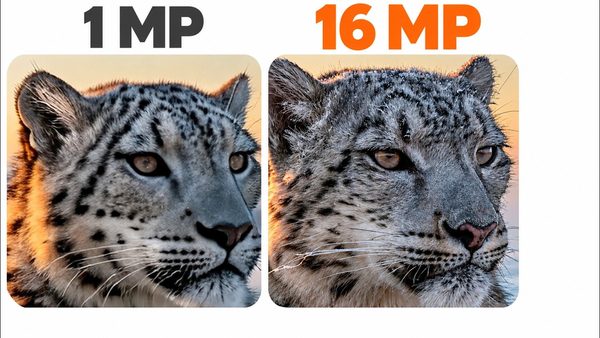
MiniMax H3 Image in ComfyUI: 16 MP Images and Edits in 6 Steps
MiniMax H3 Image is a new 33.1B model that generates and edits 16 MP pictures in 6 steps on your own GPU; our ComfyUI V150 ships two ready presets for it.
More in AI Image Generation and Editing Apps.