FLUX Kontext Dev Tutorial: Local Image Editing on Windows
FLUX Kontext Dev edits any part of an image with just a prompt, no mask or ControlNet, and can restore, colorize, outpaint and combine images in SwarmUI.
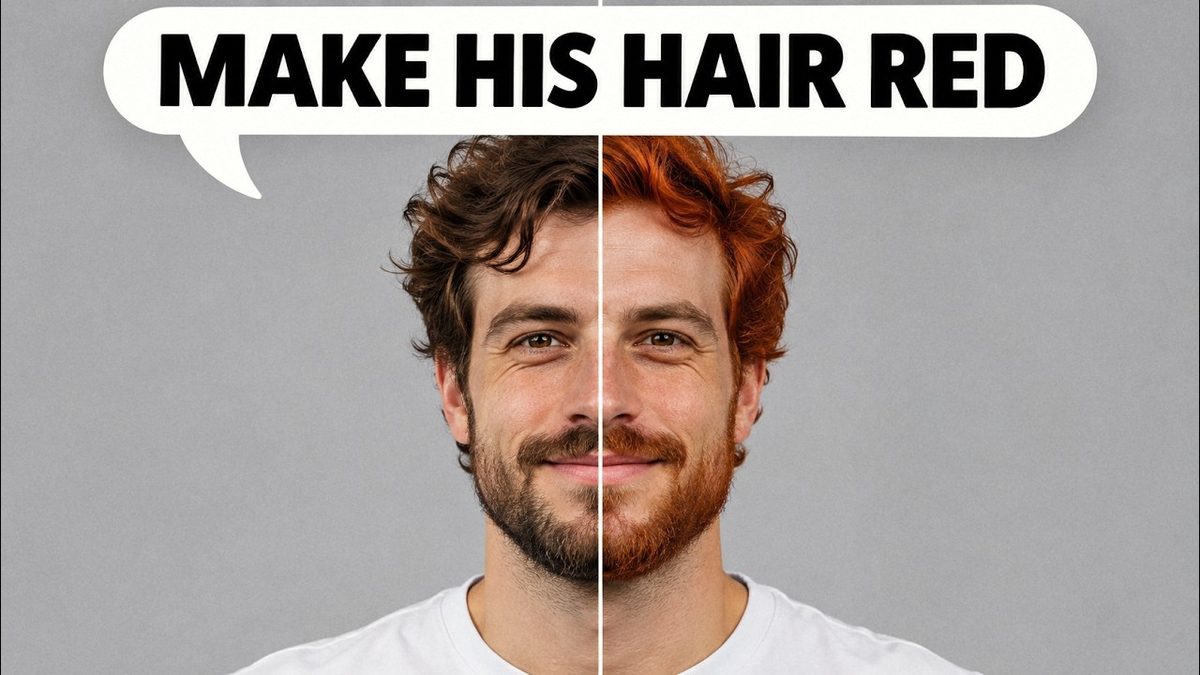
Highlights
Detailed how to guide with 7 examples, from hair color and anime style to Ghibli style and old photo restoration, showing editing that is better than ChatGPT and Gemini image editing. Also covers running it on RunPod and Massed Compute.
Video tutorial
Set Up Windows 11 for AI Apps: Python, CUDA, cuDNN, C++ Build Tools, FFmpeg and Git (2024 Guide) · chapters and summary
More videos: Edit Any Photo by Typing What to Change: FLUX Kontext Dev on Your Own PC (No Masks), ComfyUI Too Hard? Make AI Images and Videos Locally With SwarmUI (1-Click Install, 2025)
Related

Qwen Image Edit 2511 Tutorial: 12-Case Comparison With 2509
Qwen Image Edit 2511 is a free, open source image editor that challenges Nano Banana Pro, with native 2560x2560 output in 12 steps, even on 6 GB GPUs.
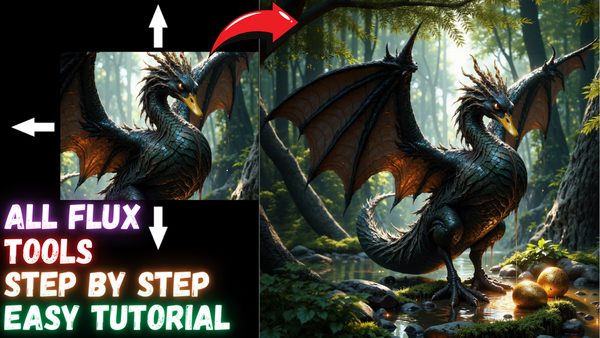
FLUX Tools SwarmUI Tutorial: Inpainting, Outpainting, Redux & Canny
FLUX.1 Tools complete SwarmUI tutorial: inpaint and outpaint with FLUX Fill, restyle and combine images with Redux, and guide images with Depth and Canny.
MagicQuill Inpainting App: 1-Click Installers for Windows & Cloud
MagicQuill interactive image editing system with an ultra fast inpaint model; the update adds RTX 5000 support, higher resolution and image auto-save.
More in AI Image Generation and Editing Apps.