PC Setup, CUDA and Troubleshooting
Make your PC AI-ready: the Windows and Ubuntu requirements installers, fixes for CUDA and C++ build errors, pre-compiled libraries, Hugging Face errors and installation tips.
Windows & Ubuntu AI Requirements Installer: Full 1-Click Tutorial
AI Requirements Installers take a Windows or Ubuntu PC from zero to AI-ready in one click: NVIDIA driver, CUDA 12.9 and 13.2, cuDNN 9.20 and Python 3.10-3.14.
AI Requirements Installers: 1-Click Windows & Ubuntu PC Setup
AI Requirements Installers make a Windows or Ubuntu PC ready for local AI apps: NVIDIA driver, Python 3.10 to 3.14, CUDA 13.2, cuDNN 9.20 and C++ tools.
Hugging Face Upload & Download Notebook: Private Repos & Multi Commit
Hugging Face notebook that uploads and downloads models and files fast, with private repositories and multi commit support; V23 handles more token cases.
CUDA and C++ Tools Compiling Errors: Windows Fix Guide for AI Apps
CUDA and C++ build errors in Python AI apps are solved once and for all: set up Visual Studio, CUDA 13.1 and 12.9.1, cuDNN, FFmpeg and TensorRT on Windows.
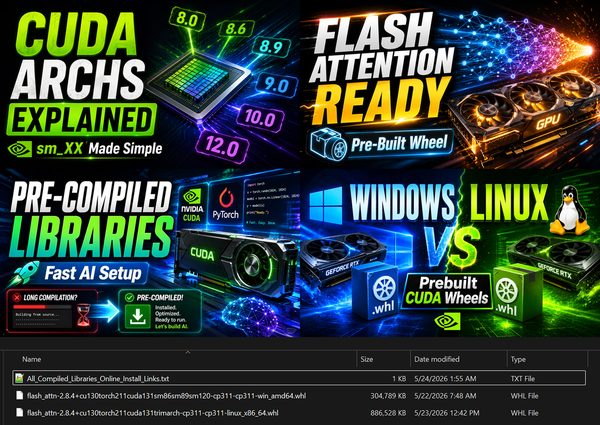
Pre-Compiled Flash Attention & xFormers Wheels + CUDA Archs Guide
Pre-compiled AI library wheels for Windows and Linux, such as Flash Attention 2.8.4 for Torch 2.11 and CUDA 13, built with the right CUDA archs for each GPU.
Hugging Face Invalid Credentials in Authorization Header Error: Fix
Hugging Face 401 Invalid credentials in Authorization header error appears when your saved token is no longer authorized; huggingface-cli logout fixes it.
System Resource Monitor: Track RAM & VRAM Usage of AI Apps Live
System Resource Monitor is a simple Python app that shows live RAM and VRAM usage and logs it to a CSV file, useful for tracking AI apps.
How to Get Installation Logs and Change the Hugging Face Cache Folder
Installation logs and the Hugging Face cache folder explained: how to get install logs to report errors, and how to move where AI models are auto-downloaded.
Clonezilla Tutorial: Clone a Boot Disk to a Larger Disk for Free
Clonezilla full tutorial: clone a smaller boot disk onto a larger SSD for free, keeping boot and partition data, then verify every cloned file bit by bit.
Bit-by-Bit Disk & File Verification Software in C# With Source Code
Bit-by-bit disk and file verification software in C#, fully multi-threaded, to verify a disk clone; full source code and an x64 EXE are included.
Video tutorials