Bit-by-Bit Disk & File Verification Software in C# With Source Code
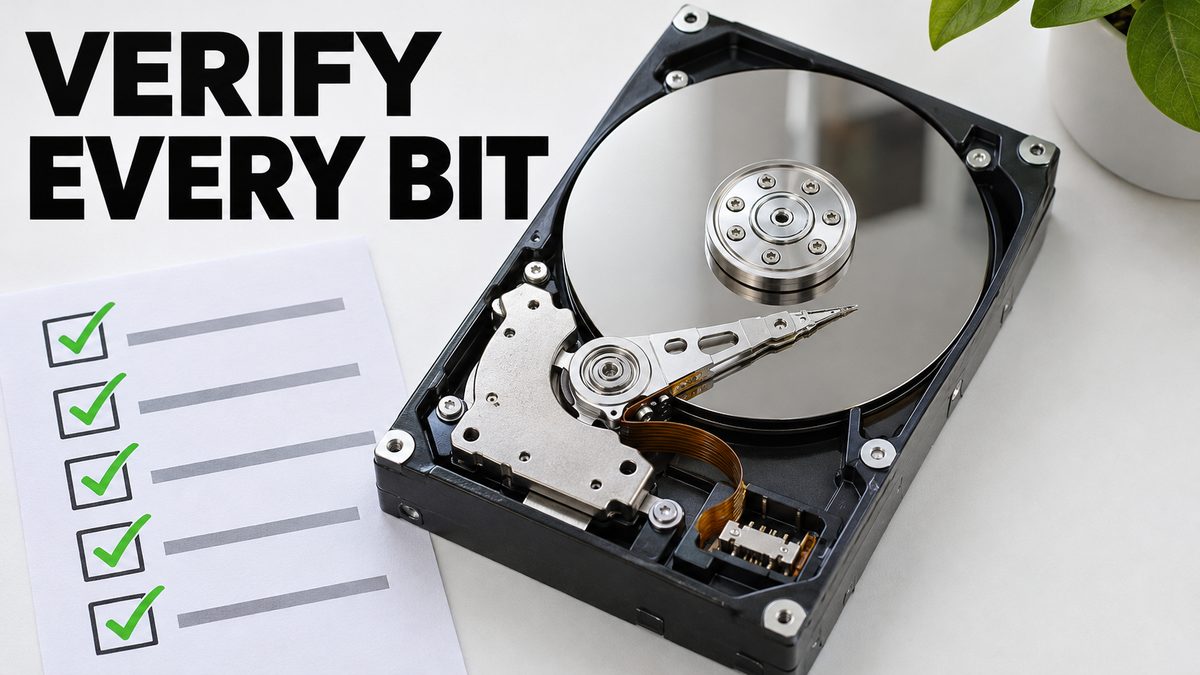
Bit-by-bit disk and file verification software in C#, fully multi-threaded, to verify a disk clone; full source code and an x64 EXE are included.
Highlights
Shown in the tutorial on cloning an older disk onto a bigger one with Clonezilla for free. Compile or edit it with the free Visual Studio 2022 Community Edition; the March 2024 update improved efficiency and fixed bugs.
What it does
A Windows application written in C# that verifies disks and files bit by bit, so you can be sure a copy is identical to the original. It is fully multi-threaded and was made to verify a disk clone, as used in the tutorial on cloning an older disk onto a newer, bigger disk with Clonezilla for free.
What you get
- A compiled x64 EXE of the application, ready to run
- The full source code of the application, which you can compile, run and edit as you wish
- The March 2024 update, which improved efficiency significantly and fixed bugs
Requirements
- Windows to run the EXE
- To compile the source code: the free Microsoft Visual Studio 2022 Community Edition with the desktop C# libraries installed
Related
CUDA and C++ Tools Compiling Errors: Windows Fix Guide for AI Apps
CUDA and C++ build errors in Python AI apps are solved once and for all: set up Visual Studio, CUDA 13.1 and 12.9.1, cuDNN, FFmpeg and TensorRT on Windows.
AI Requirements Installers: 1-Click Windows & Ubuntu PC Setup
AI Requirements Installers make a Windows or Ubuntu PC ready for local AI apps: NVIDIA driver, Python 3.10 to 3.14, CUDA 13.2, cuDNN 9.20 and C++ tools.

Windows & Ubuntu AI Requirements Installer: Full 1-Click Tutorial
AI Requirements Installers take a Windows or Ubuntu PC from zero to AI-ready in one click: NVIDIA driver, CUDA 12.9 and 13.2, cuDNN 9.20 and Python 3.10-3.14.
More in PC Setup, CUDA and Troubleshooting.