AI Requirements Installers: 1-Click Windows & Ubuntu PC Setup
AI Requirements Installers make a Windows or Ubuntu PC ready for local AI apps: NVIDIA driver, Python 3.10 to 3.14, CUDA 13.2, cuDNN 9.20 and C++ tools.
Highlights
Runs in one click on Windows 10 and 11 and one command on Ubuntu 22, 24 and 26 Linux, also installing CUDA 12.9, Git, Node.js, .NET and FFmpeg, setting every path and testing everything in a clear report, so your PC is ready for all local AI apps, scripts and more. V4 fixes broken uv and pip setups, V3 prefers IPv4 for faster downloads.
Video tutorial
Set Up Windows 11 for AI Apps: Python, CUDA, cuDNN, C++ Build Tools, FFmpeg and Git (2024 Guide) · chapters and summary
More videos: Stop Installing CUDA and Python by Hand: One Click Gets Your PC Ready for Any AI App
Related
CUDA and C++ Tools Compiling Errors: Windows Fix Guide for AI Apps
CUDA and C++ build errors in Python AI apps are solved once and for all: set up Visual Studio, CUDA 13.1 and 12.9.1, cuDNN, FFmpeg and TensorRT on Windows.

Windows & Ubuntu AI Requirements Installer: Full 1-Click Tutorial
AI Requirements Installers take a Windows or Ubuntu PC from zero to AI-ready in one click: NVIDIA driver, CUDA 12.9 and 13.2, cuDNN 9.20 and Python 3.10-3.14.
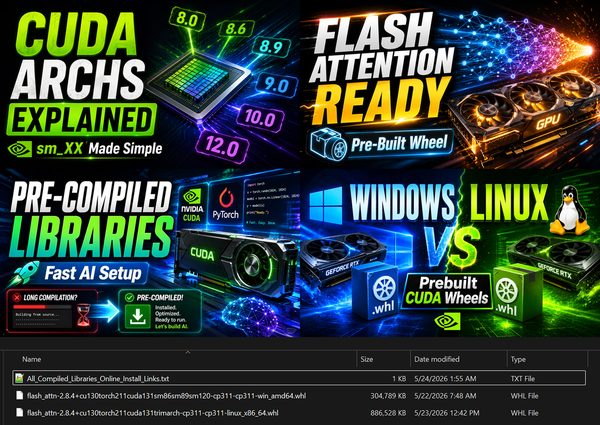
Pre-Compiled Flash Attention & xFormers Wheels + CUDA Archs Guide
Pre-compiled AI library wheels for Windows and Linux, such as Flash Attention 2.8.4 for Torch 2.11 and CUDA 13, built with the right CUDA archs for each GPU.
More in PC Setup, CUDA and Troubleshooting.