Pre-Compiled Flash Attention & xFormers Wheels + CUDA Archs Guide
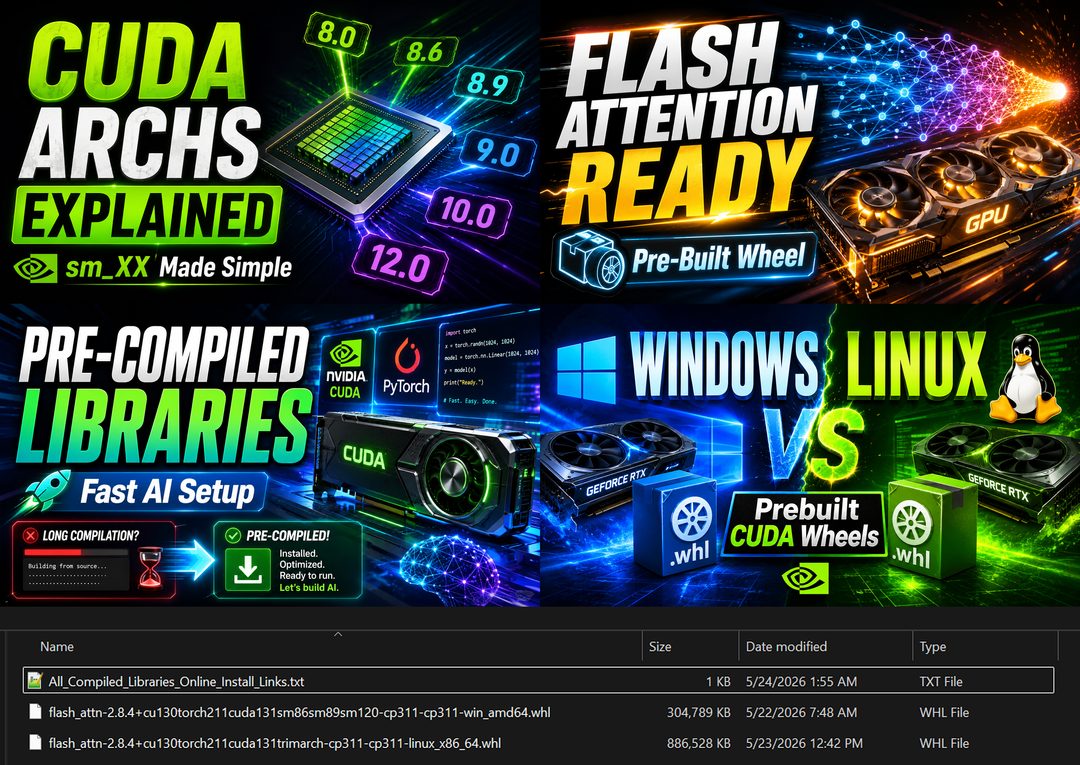
Pre-compiled AI library wheels for Windows and Linux, such as Flash Attention 2.8.4 for Torch 2.11 and CUDA 13, built with the right CUDA archs for each GPU.
Highlights
Includes the most important AI libraries as wheels: Flash Attention, xFormers 0.0.35 and cumesh, plus a link list for online install. Also gives all information about CUDA archs (compute capability, sm_XX and PTX) with the full GPU mapping, so you pick the wheel that matches your GPU.
Related
CUDA and C++ Tools Compiling Errors: Windows Fix Guide for AI Apps
CUDA and C++ build errors in Python AI apps are solved once and for all: set up Visual Studio, CUDA 13.1 and 12.9.1, cuDNN, FFmpeg and TensorRT on Windows.

AI Requirements Installers: 1-Click Windows & Ubuntu PC Setup
AI Requirements Installers make a Windows or Ubuntu PC ready for local AI apps: NVIDIA driver, Python 3.10 to 3.14, CUDA 13.2, cuDNN 9.20 and C++ tools.

Windows & Ubuntu AI Requirements Installer: Full 1-Click Tutorial
AI Requirements Installers take a Windows or Ubuntu PC from zero to AI-ready in one click: NVIDIA driver, CUDA 12.9 and 13.2, cuDNN 9.20 and Python 3.10-3.14.
More in PC Setup, CUDA and Troubleshooting.