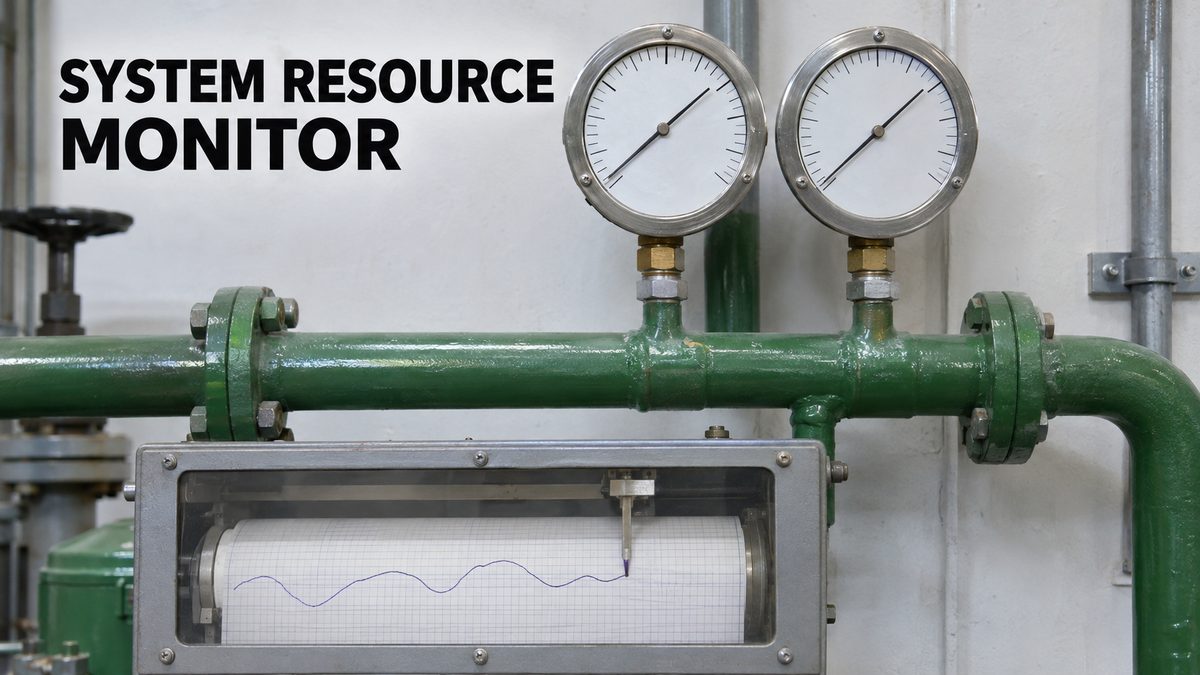
System Resource Monitor: Track RAM & VRAM Usage of AI Apps Live
System Resource Monitor is a simple Python app that shows live RAM and VRAM usage and logs it to a CSV file, useful for tracking AI apps.
Highlights
Useful to track the max resource usage of any app, especially AI apps. Needs only Python: install once with Windows_Install.bat and start with Start_Monitor.bat. It was built to compare FP8 and FP16 model loading during Kohya FLUX FP8 LoRA training.
Video tutorial
Set Up Windows 11 for AI Apps: Python, CUDA, cuDNN, C++ Build Tools, FFmpeg and Git (2024 Guide) · chapters and summary
Related
CUDA and C++ Tools Compiling Errors: Windows Fix Guide for AI Apps
CUDA and C++ build errors in Python AI apps are solved once and for all: set up Visual Studio, CUDA 13.1 and 12.9.1, cuDNN, FFmpeg and TensorRT on Windows.

AI Requirements Installers: 1-Click Windows & Ubuntu PC Setup
AI Requirements Installers make a Windows or Ubuntu PC ready for local AI apps: NVIDIA driver, Python 3.10 to 3.14, CUDA 13.2, cuDNN 9.20 and C++ tools.

Windows & Ubuntu AI Requirements Installer: Full 1-Click Tutorial
AI Requirements Installers take a Windows or Ubuntu PC from zero to AI-ready in one click: NVIDIA driver, CUDA 12.9 and 13.2, cuDNN 9.20 and Python 3.10-3.14.
More in PC Setup, CUDA and Troubleshooting.