On this page
Video tutorial

Fix 'Microsoft Visual C++ 14.0 or Greater Is Required' and Other AI Install Errors on Windows (2023) · chapters and summary
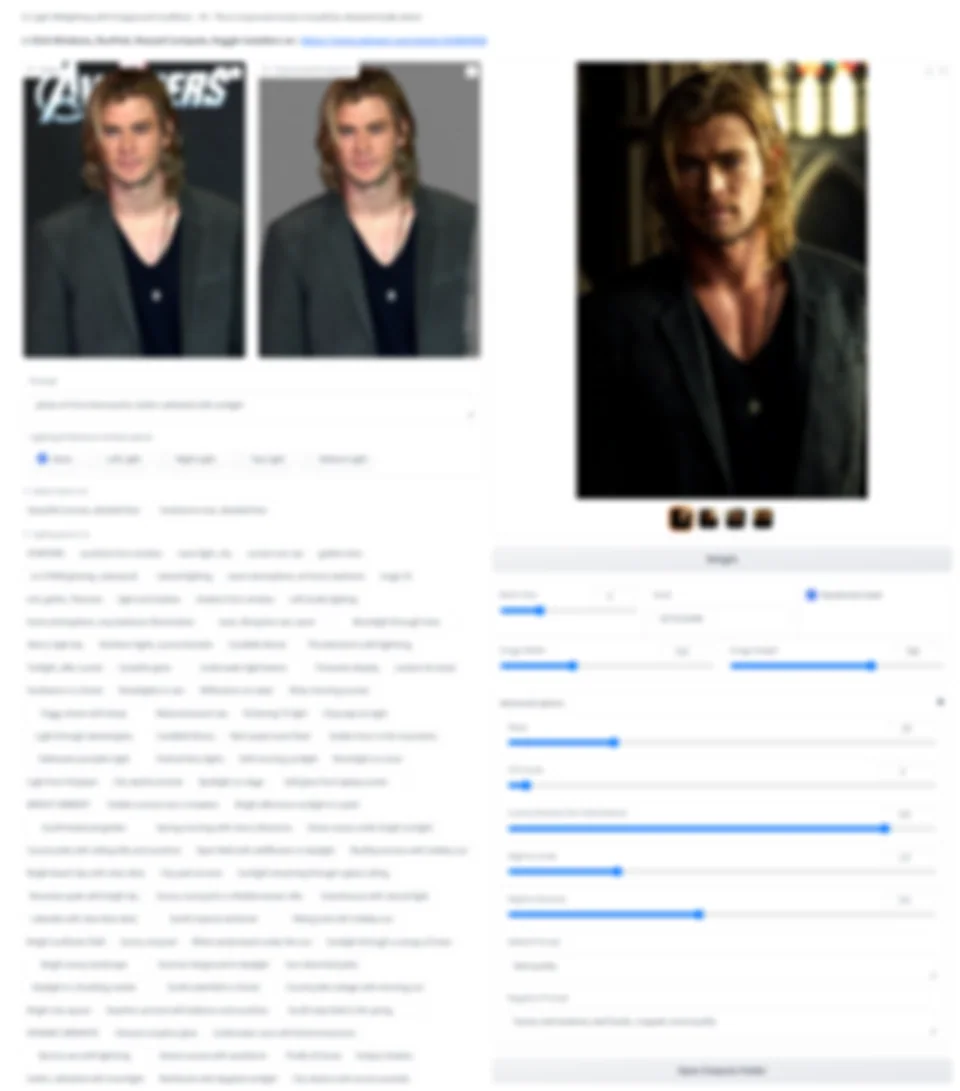
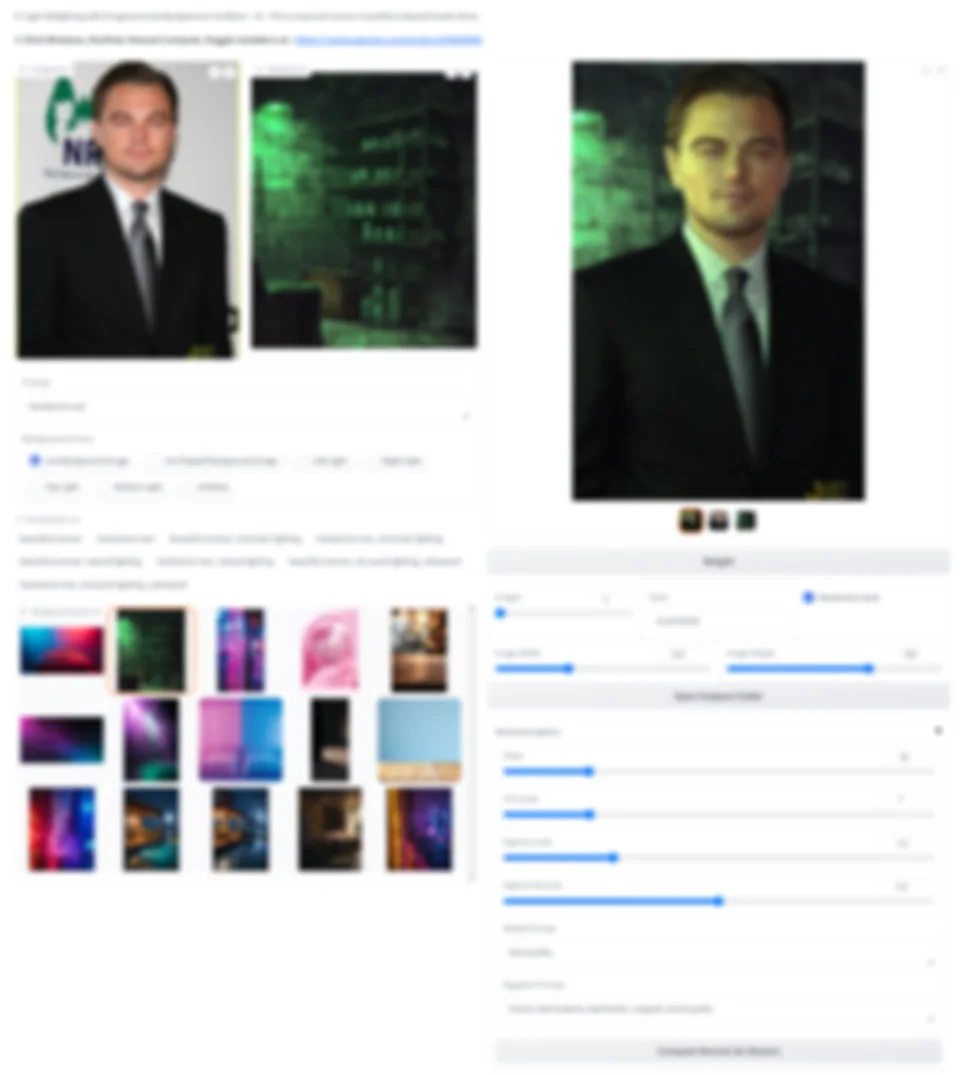
New post here : IC-Light Relight Images Gradio App: 1-Click Windows, Cloud & Kaggle
This post not updated anymore : IC-Light Relight Images Gradio App: 1-Click Windows, Cloud & Kaggle
Please use new post script : IC-Light Relight Images Gradio App: 1-Click Windows, Cloud & Kaggle
-
-
-
-
-
-
-
-
-
-
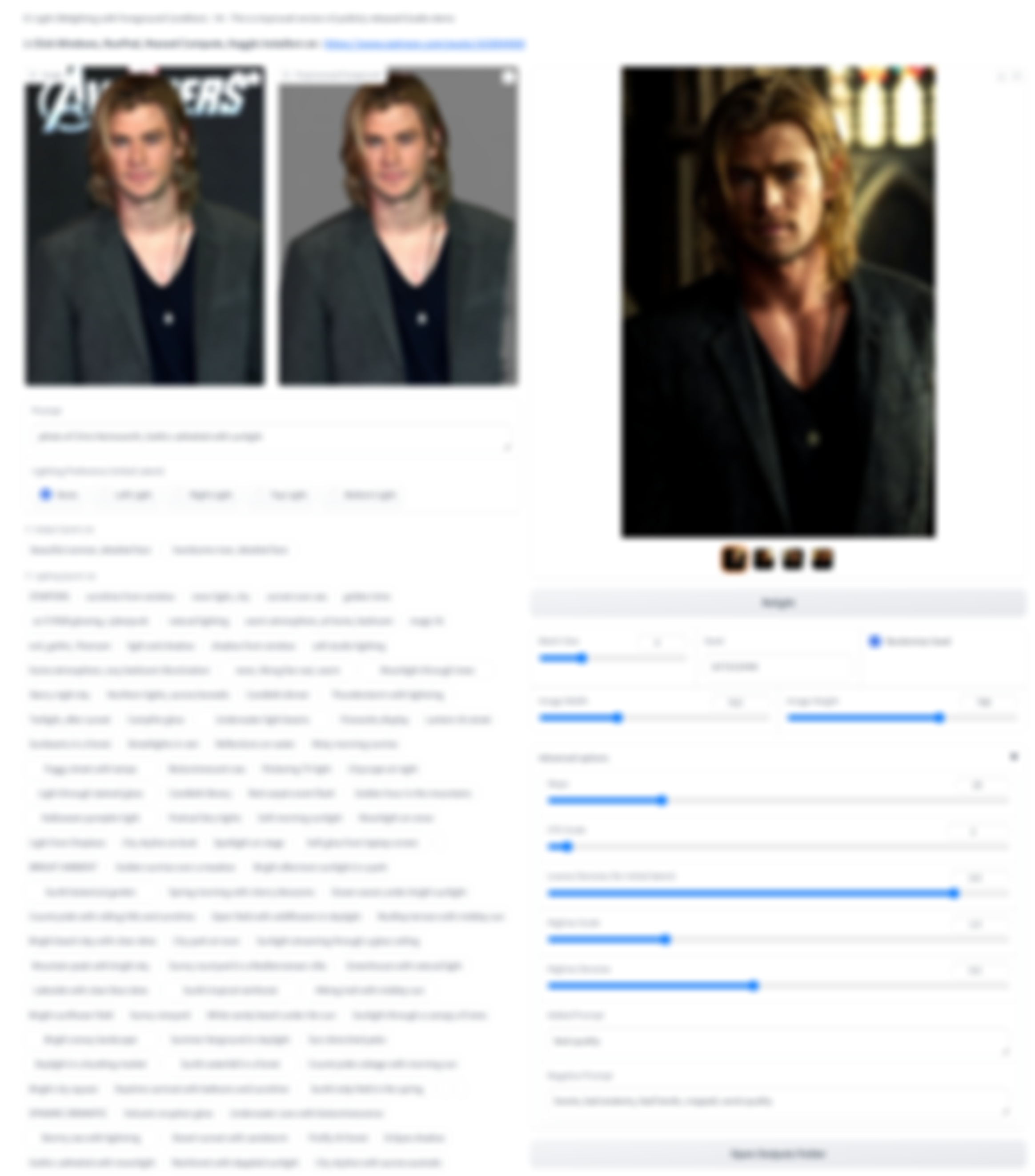
13 examples posted on this Reddit post please also consider to upvote
2 updates, newest first. Click an update to see its version log.
18 May 2024Update
- Updated to V5
- Upgraded to latest Gradio version
- Massed Compute, RunPod installer scripts added
- Free Kaggle account notebook added
9 May 2024Update
- Updated to V4
- Over 100 quick prompts added to the IC Light app
- Windows_Start_App_With_BG_Upload .bat added
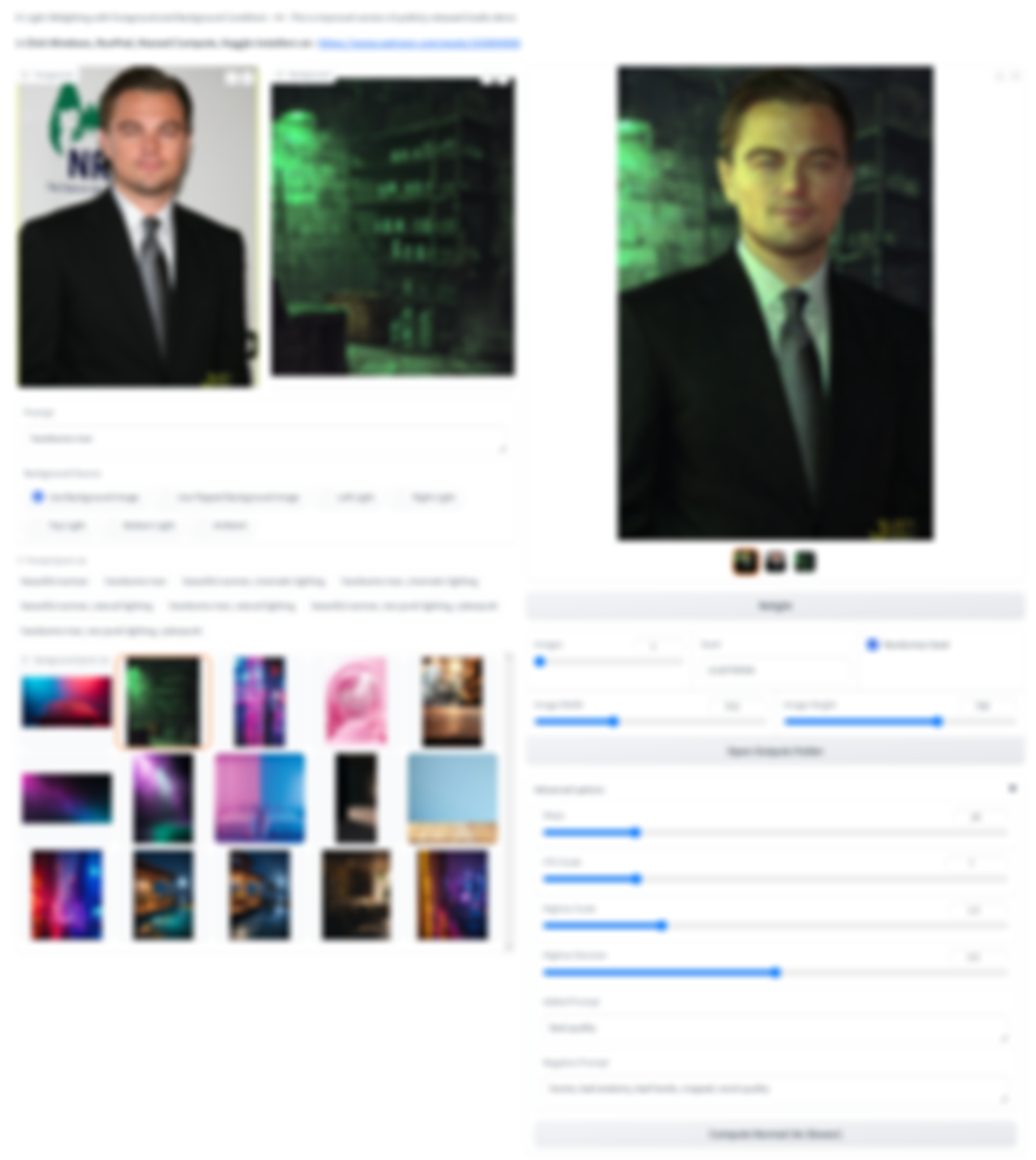
- Now you can use also replace background app
- Replace background app also improved with random seed and also automatic saving
- Just execute
How To Install
- Download IC_Light_Installers_v6.zip and extract into any major drive like C, D, F, etc
- Double click Windows_Install .bat and wait to be completed
- Double click Windows_Start_App .bat to start the app after install
Requirements
- Python 3.10, FFmpeg, C++ tools and Git
- If it doesn't work make sure to below tutorial and install everything exactly as shown in this below tutorial
Help and community
Patreon exclusive posts index to find our scripts easily, Patreon scripts updates history to see which updates arrived to which scripts and amazing Patreon special generative scripts list that you can use in any of your task.
Join discord to get help, chat, discuss and also tell me your discord username to get your special rank : SECourses Discord
Please also Star, Watch and Fork our Stable Diffusion & Generative AI GitHub repository and join our Reddit subreddit and follow me on LinkedIn (my real profile)