On this page
Video tutorial

Fix 'Microsoft Visual C++ 14.0 or Greater Is Required' and Other AI Install Errors on Windows (2023) · chapters and summary
This post is deprecated : https://www.patreon.com/posts/121679760
New post : https://www.patreon.com/posts/121679760
New APP : https://www.patreon.com/posts/121679760
BiRefNet HR Background Remover: 1-Click Gradio App for Windows & Cloud
-
-
-
-
-
-
-
-
-
-
-
-
-
--
-
-
-
-
-
-
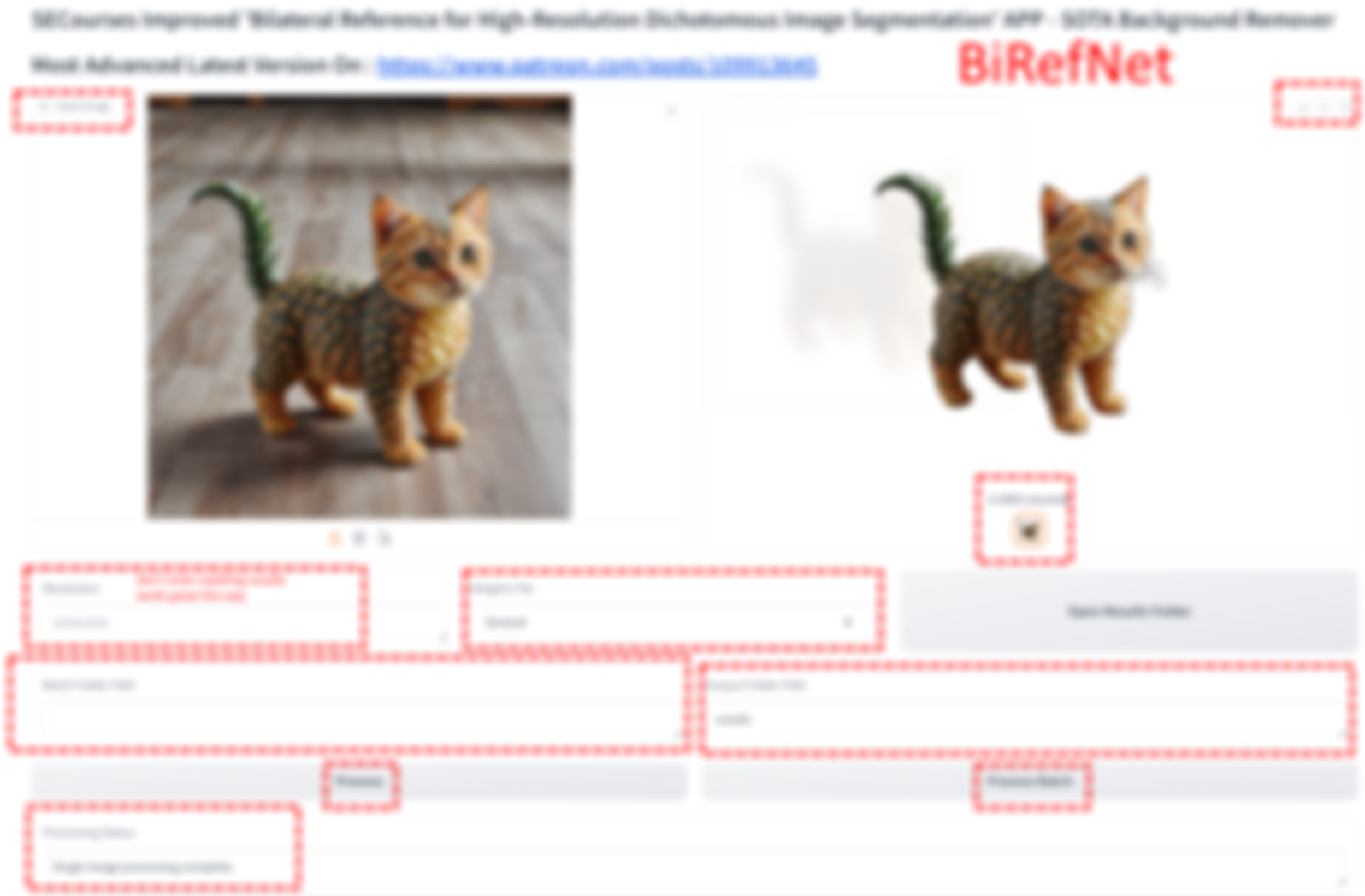
BiRefNet is the very best state of the art newest published background removal open source model. It is way better than BRIA RMBG V1.4 that we knew as best.
Official repo : https://github.com/ZhengPeng7/BiRefNet
I have developed a very advanced Gradio APP for this with full proper file saving and batch processing. Also my version removes BG and saves as transparent background.
The APP uses huge VRAM for high resolution images. However it is still working uber fast even though using shared VRAM. So make sure that you have high RAM or set virtual RAM.
Click here to see how to set virtual RAM on Windows.
On Massed Compute A6000 GPU (31 cents per hour) you can very fast remove even very high res images backgrounds.
Currently we have 1 click installers for RunPod, Massed Compute, Kaggle and Windows.
Download zip file : BiRefNet_V3.zip
Windows Requirements
- Python 3.10, FFmpeg, Cuda 11.8, C++ tools and Git
- If it doesn't work make sure to below tutorial and install everything exactly as shown in this below tutorial
- ▶ Fix 'Microsoft Visual C++ 14.0 or Greater Is Required' and Other AI Install Errors on Windows (2023)
- Who has fbgemm.dll error on Windows 11 the solutions posted below topic
- https://github.com/Acly/krita-ai-diffusion/issues/965
- Quick solution is as below (verified DLL)
- Download this dll and copy it to your /windows/system32 folder. https://www.dllme.com/dll/files/libomp140_x86_64/00637fe34a6043031c9ae4c6cf0a891d/download
How To Use On Windows
- Just extract files into like c:/BiRefNet_v1
- Double click Windows_Install.bat file and it will generate a isolated virtual environment and install requirements
- It will automatically download models into your Hugging Face cache (best model under 1 GB)
- Then start and use the Gradio APP with Windows_Start_App.bat
Cloud How To Use
- Massed Compute, RunPod has instructions txt files. Follow them
- Kaggle has all the instructions 1 by 1
- On Kaggle set resolution 1024x1024 or you will get out of memory error
Help and community
Patreon exclusive posts index to find our scripts easily, Patreon scripts updates history to see which updates arrived to which scripts and amazing Patreon special generative scripts list that you can use in any of your task.
Join discord to get help, chat, discuss and also tell me your discord username to get your special rank : SECourses Discord
Please also Star, Watch and Fork our Stable Diffusion & Generative AI GitHub repository and join our Reddit subreddit and follow me on LinkedIn (my real profile)