SEFurkan GözükaraSECourses · Generative AI Join onPatreon

Würstchen Google Colab Notebook: Fast Diffusion Image Generation

Würstchen fast diffusion text-to-image model in a Google Colab notebook: upload it, pick a T4 GPU, run the cells and open the Gradio link to generate images.

Step-by-step screenshots show how to create a new notebook, upload Wuerstchen_Google_Colab.ipynb, connect to the GPU and check that it is connected.

Updated By Dr. Furkan Gözükara
Kaggle
Würstchen Google Colab Notebook: Fast Diffusion Image Generation
Older post. this is an older post kept for reference. The current, maintained version is SwarmUI Free Kaggle Notebook: FLUX, SDXL and SD 3.5 on Dual T4 GPUs.

Open Google Colab : https://colab.research.google.com/

Click new notebook as in this image : new notebook.png

Download Wuerstchen_Google_Colab.ipynb from attachments 

Click file > upload notebook > select downloaded notebook file :  upload notebook.png

It will ask you leave and click yes

Select T4 GPU and start session and execute cells : connect.png

Make sure that you are connected to the GPU : connected gpu.png

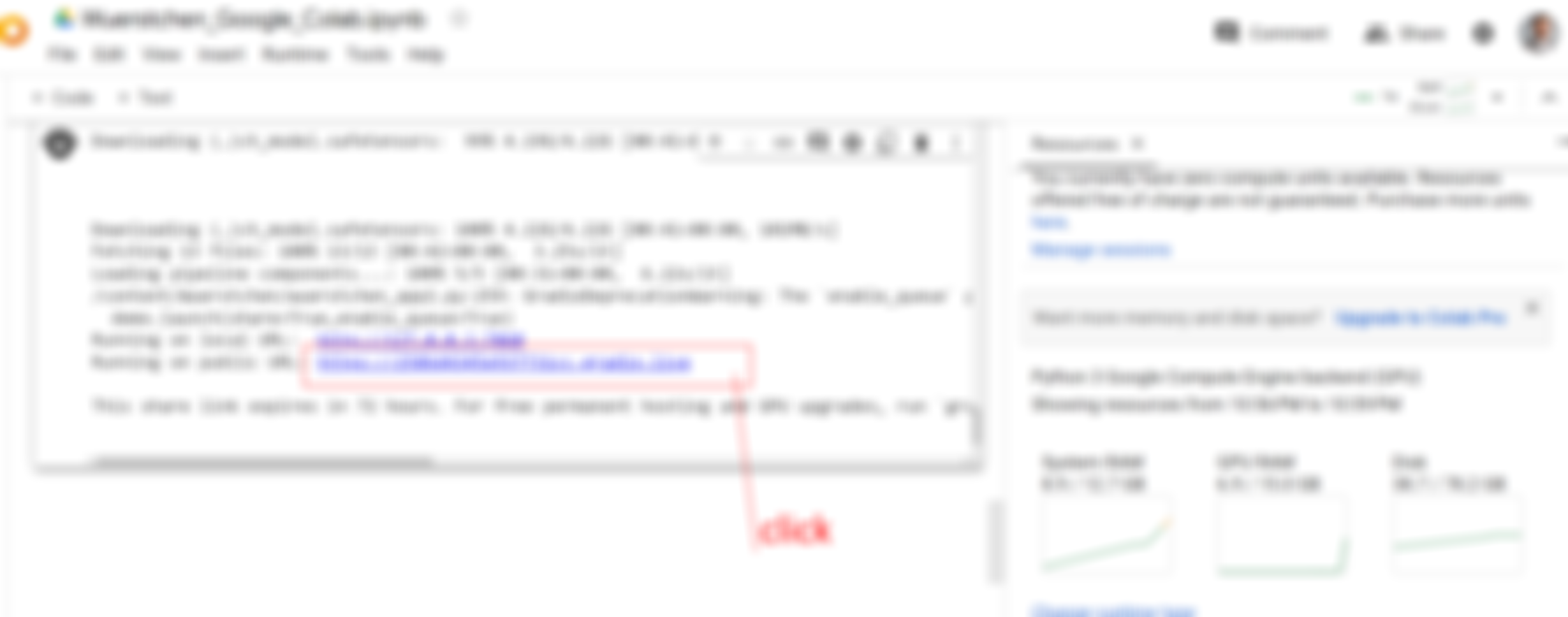
It will give you Gradio Link as below click and start using
Würstchen Google Colab Notebook: Fast Diffusion Image Generation
Würstchen Google Colab Notebook: Fast Diffusion Image Generation (2)
Würstchen Google Colab Notebook: Fast Diffusion Image Generation (3)

Help and community

Patreon exclusive posts index

Join discord and tell me your discord username to get a special rank : SECourses Discord

↑ ↓ to move · Enter to open · Esc to close · Ctrl K or / to search from any page