On this page
this post is not maintained anymore here newer version : https://www.patreon.com/posts/118442039
this post is not maintained anymore here newer version : https://www.patreon.com/posts/118442039
this post is not maintained anymore here newer version : https://www.patreon.com/posts/118442039
this post is not maintained anymore here newer version : SD Forge Web UI 1-Click Installer With Sage Attention and xFormers
this post is not maintained anymore here newer version : https://www.patreon.com/posts/118442039
this post is not maintained anymore here newer version : SD Forge Web UI 1-Click Installer With Sage Attention and xFormers
this post is not maintained anymore here newer version : SD Forge Web UI 1-Click Installer With Sage Attention and xFormers
How to Install and Use on RunPod
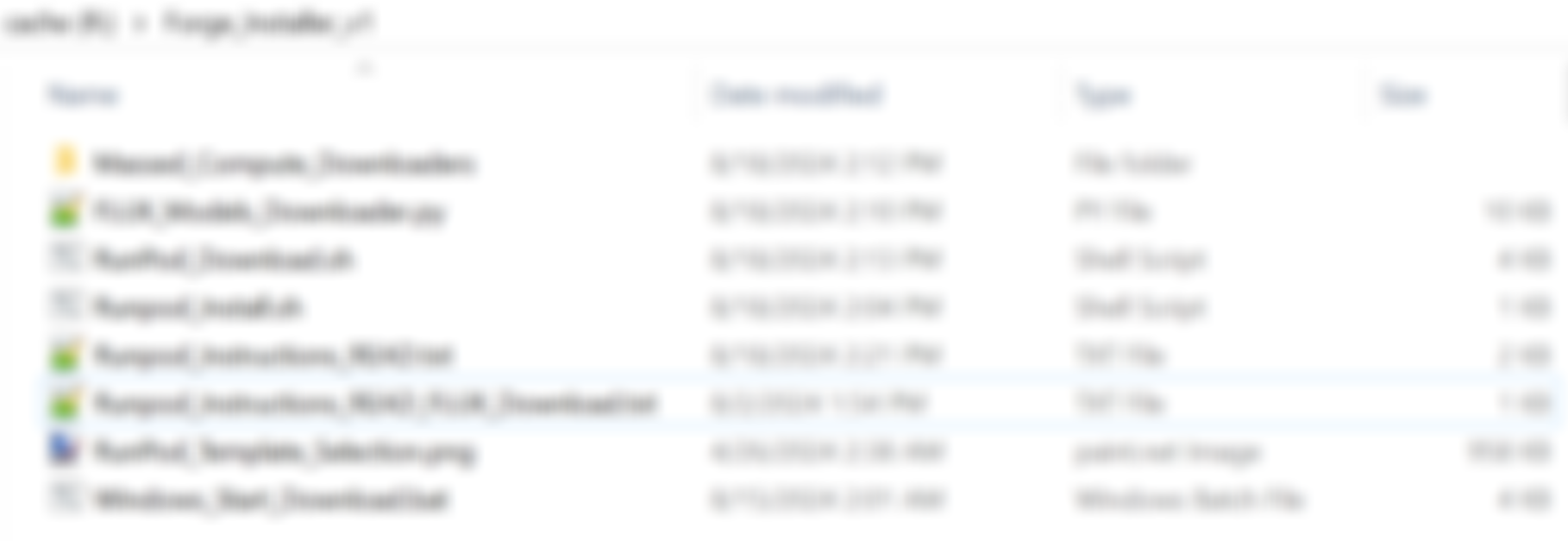
- Just download the attached zip file Forge_Installer_v2.zip and extract into any folder on your computer or on your phone.
- Open Runpod_Instructions_READ.txt file
- According to the file select accurate Pytorch 11.8 official template with any GPU, set your volume disk size.
- After started upload all files into work space and copy paste the commands into a new terminal. It will auto install latest version of Forge Web UI and auto start it.
- Just read the Runpod_Instructions_READ.txt file carefully for all info.
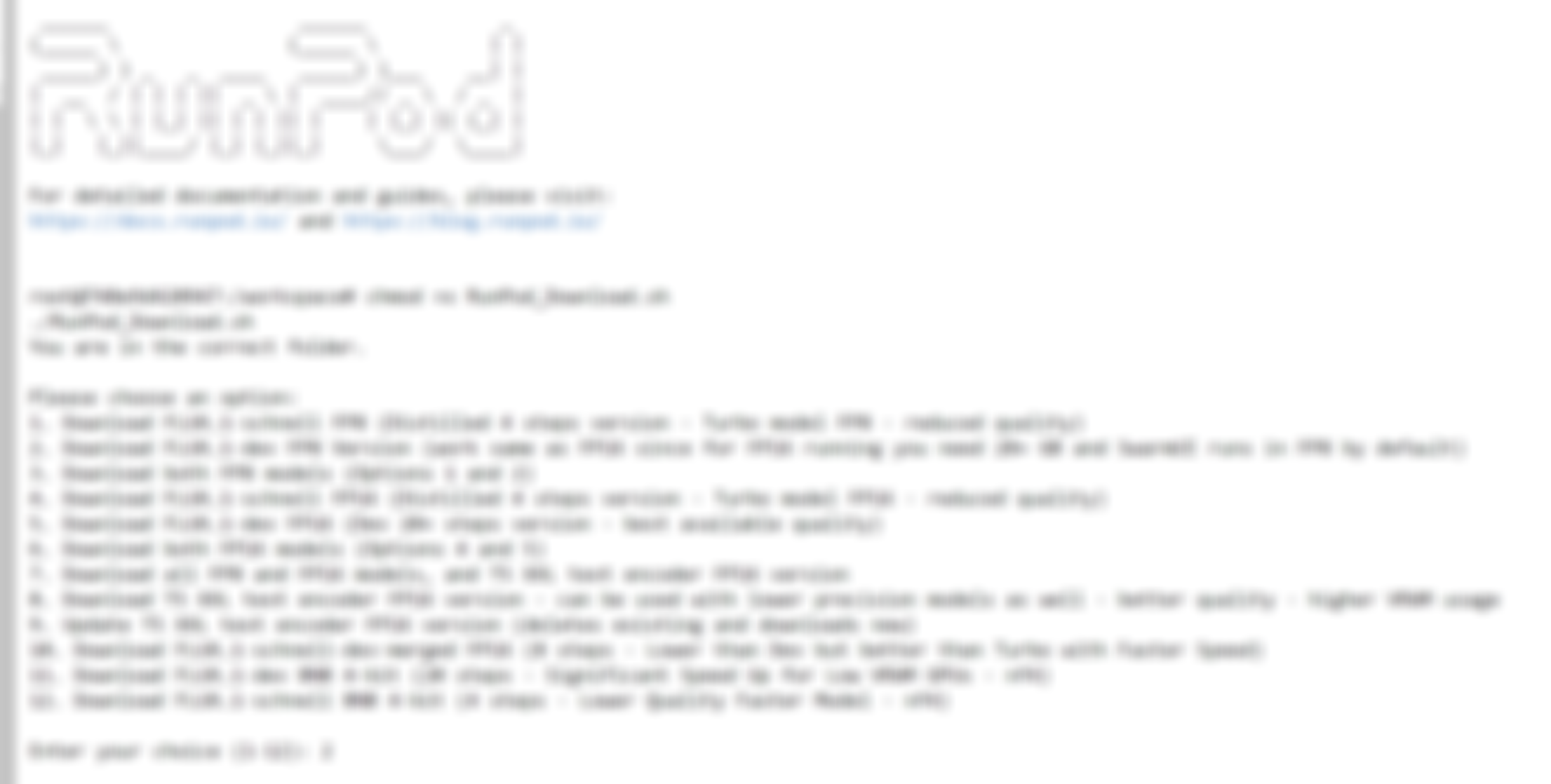
- To automatically download FLUX models read Runpod_Instructions_READ_FLUX_Download.txt and follow the commands. It will ask you to download which model like below.
- For 24 GB GPUs like RTX 4090 I suggest Download FLUX.1-dev FP8 Version - best quality
- Proper launch arguments auto set for 24 GB GPUs on RunPod like --cuda-malloc --always-gpu
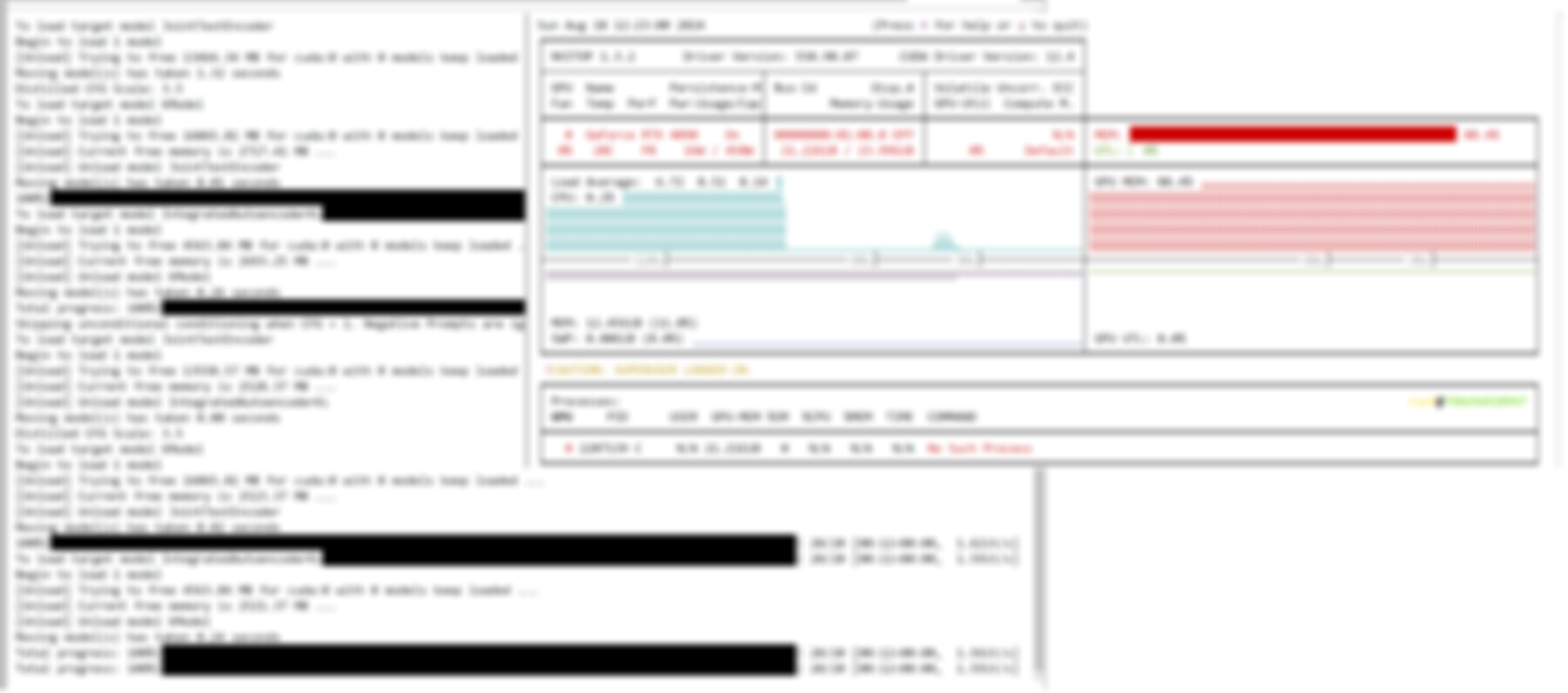
- RTX 4090 FLUX 1024x1024 FP8 dev model speed is 1.6 it / second and immediately starts generating next image - no unload or reload
- More FLUX auto download options will be added later hopefully
- Don't forget to download T5 Text Encoder. It will also download Clip L. VAE automatically downloaded when you download FLUX model
- Installing requirements takes time so patiently wait
How to Download FLUX Models
- For Windows, put files into the parent folder of stable-diffusion-webui-forge and double click and run Windows_Start_Download.bat file
- For Massed Compute put anywhere it will auto download into accurate folder in our SECourses image
- For RunPod, upload all files into workspace and it will work

Help and community
Patreon exclusive posts index to find our scripts easily, Patreon scripts updates history to see which updates arrived to which scripts and amazing Patreon special generative scripts list that you can use in any of your task.
Join discord to get help, chat, discuss and also tell me your discord username to get your special rank : SECourses Discord
Please also Star, Watch and Fork our Stable Diffusion & Generative AI GitHub repository and join our Reddit subreddit and follow me on LinkedIn (my real profile)