On this page
Older post. this is an older post kept for reference. The current, maintained version is SwarmUI Auto Installer & Ultimate Image and Video Model Downloader.
How To Use
- Download and extract attached zip file into any folder
For Automatic1111
- Then copy paste styles.csv into the root folder of Automatic1111 and restart it to use them
- Below is optional for advanced users
- convert_foocus_styles_to_automatic1111_style.py file converts all styles in Fooocus installation into styles.csv for Automatic1111 format. This is not mandatory but in case if you want to update
For StableSwarmUI
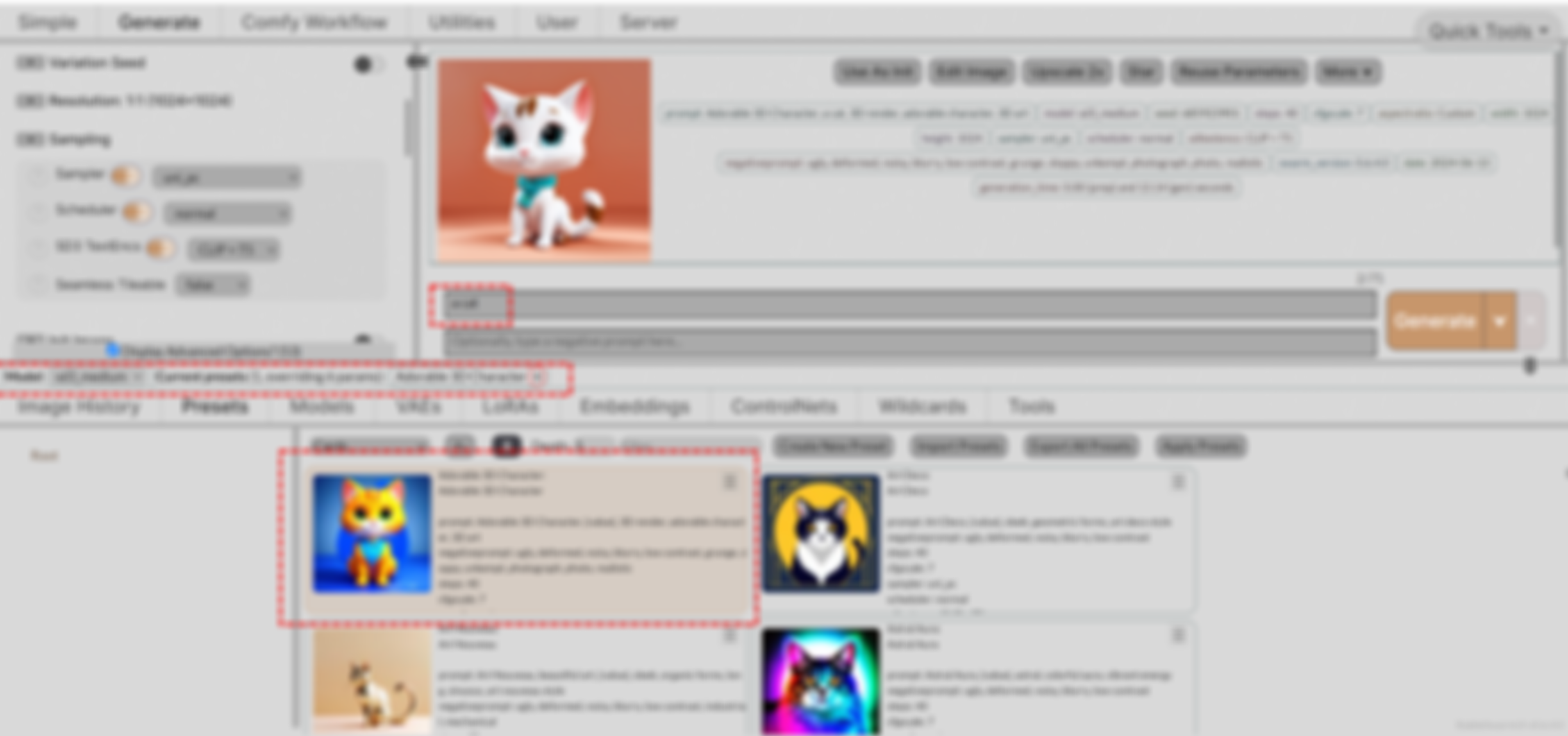
- In the StableSwarmUI, go to the presets tab and click Import Presets
- Select the StableSwarmUI_Presets.json file and import them
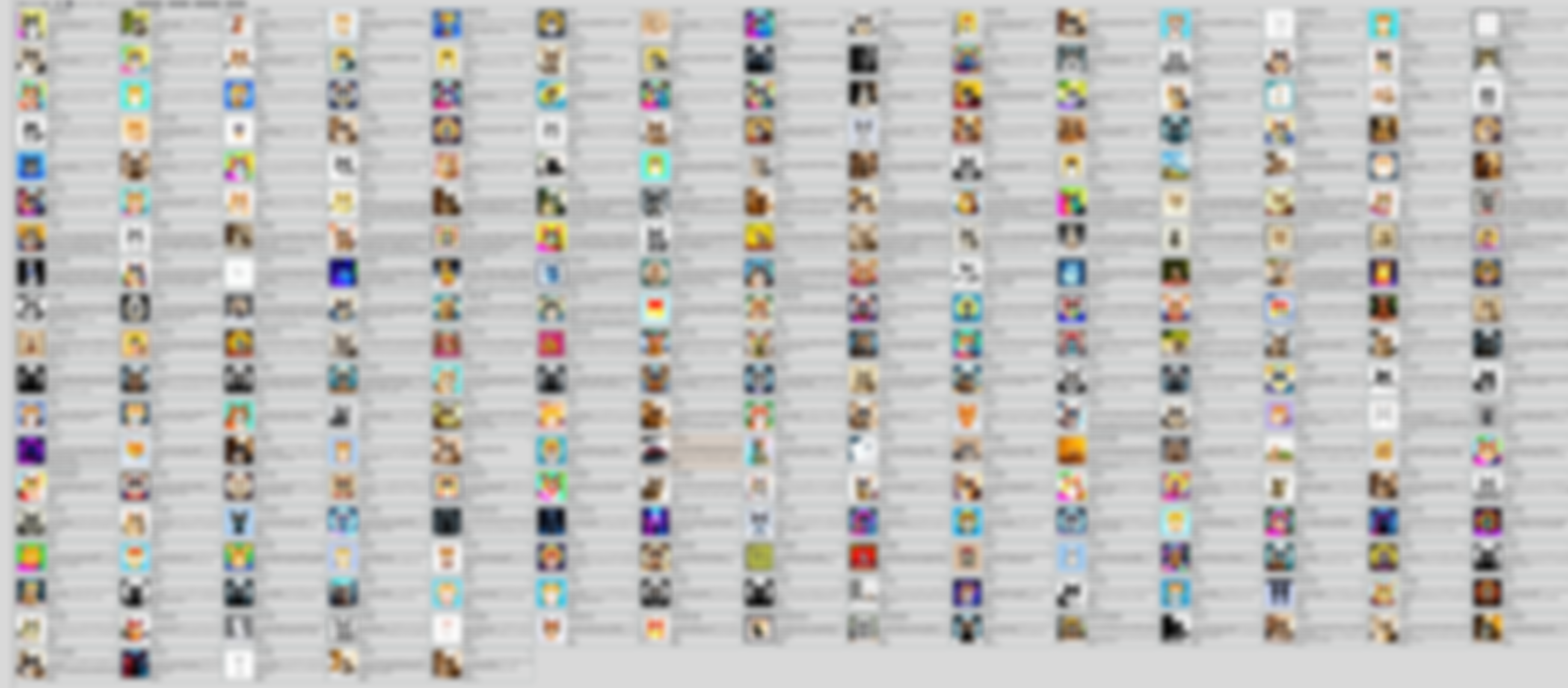
- On StableSwarmUI, all presets have generated with SD3 thumbnail. Used prompt is a cat
- Below is optional for advanced users
- You can use convert_focus_csv_to_swarm_presets.py file to convert Automatic1111 style csv file into preset json format of StableSwarmUI
- To use py files, first edit them and set folder and file paths accurately
- Then open a cmd and type python full_file_name.py
- If you ever want to update all of your preset images with a new prompt, use Tools > Grid Generator and generate a Grid of all styles with your new prompt
- Then put generated image files into a folder
- Then edit generate_preset_thumbnails_swarmUI.py file and set new generated images folder path and also existing StableSwarmUI_Presets.json presets file
- And execute the script as usual python generate_preset_thumbnails_swarmUI.py
Help and community
Join discord and tell me your discord username to get a special rank : SECourses Discord