On this page
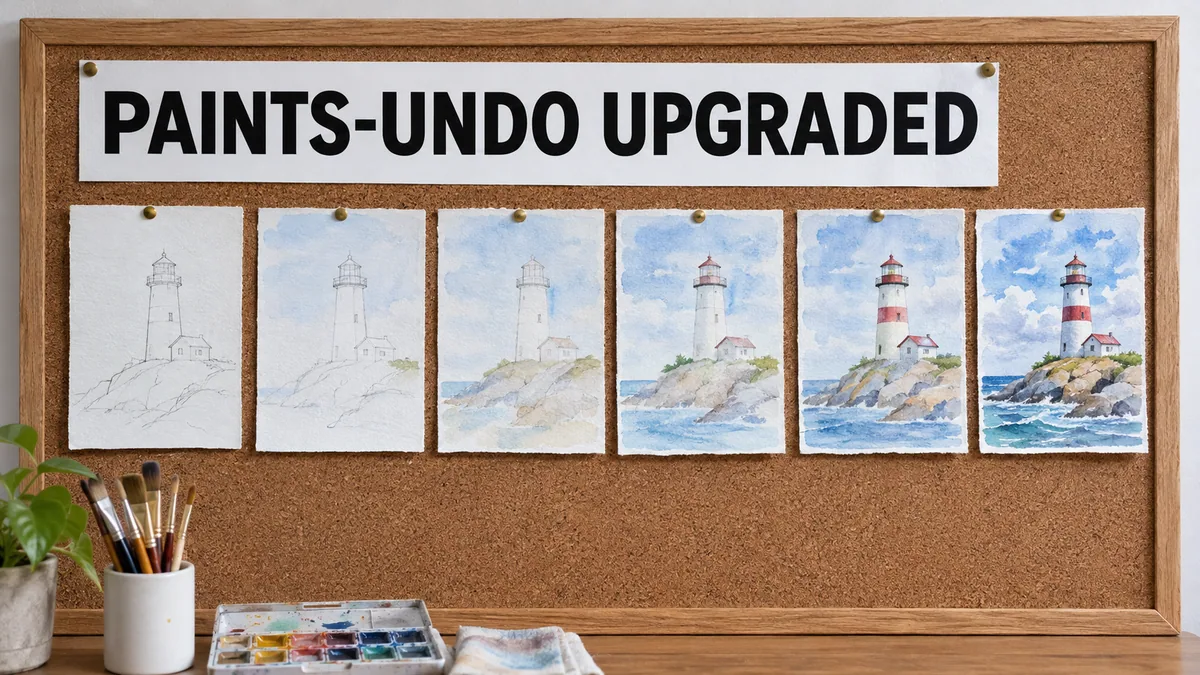
Older post. this is an older post kept for reference. The current, maintained version is Paints-UNDO Premium App: 1-Click Installers for Windows & Cloud.
Video tutorial
Fix 'Microsoft Visual C++ 14.0 or Greater Is Required' and Other AI Install Errors on Windows (2023) · chapters and summary
This Post is deprecated
New Post is here : https://www.patreon.com/posts/121228327
NEW POST : https://www.patreon.com/posts/121228327
USE this POST : https://www.patreon.com/posts/121228327
-
-
-
-
-
-
-
-
-
-
-
-
-
-
--
More information and RunPod, Massed Compute and hopefully Free Kaggle account notebook added later to the post.
20 July 2024 Update
- 1-Click Massed Compute, RunPod installers added
- Free Kaggle account notebook added
- All scripts are in attached zip file
Additional Features We Have Compared To Official Repo
- This is official repo : https://github.com/lllyasviel/Paints-UNDO
- Better file name saving
- Generated key frames are saved inside results/frames automatically with input image name and numbering
- Presets save and load feature
- Last saved / loaded preset automatically loaded
- Generated video frames automatically saved inside results/video_frames with input image name and numbering
- Automatically starts APP browser
- --share args feature added for Gradio Live share
Requirements for Windows
- You need to have installed Python 3.10.x, C++ tools, Cuda 11.8, FFmpeg and Git
- Full tutorial to install above properly : ▶ Fix 'Microsoft Visual C++ 14.0 or Greater Is Required' and Other AI Install Errors on Windows (2023)
How to Use
- Extract attached zip file and install and use on your desired platform.
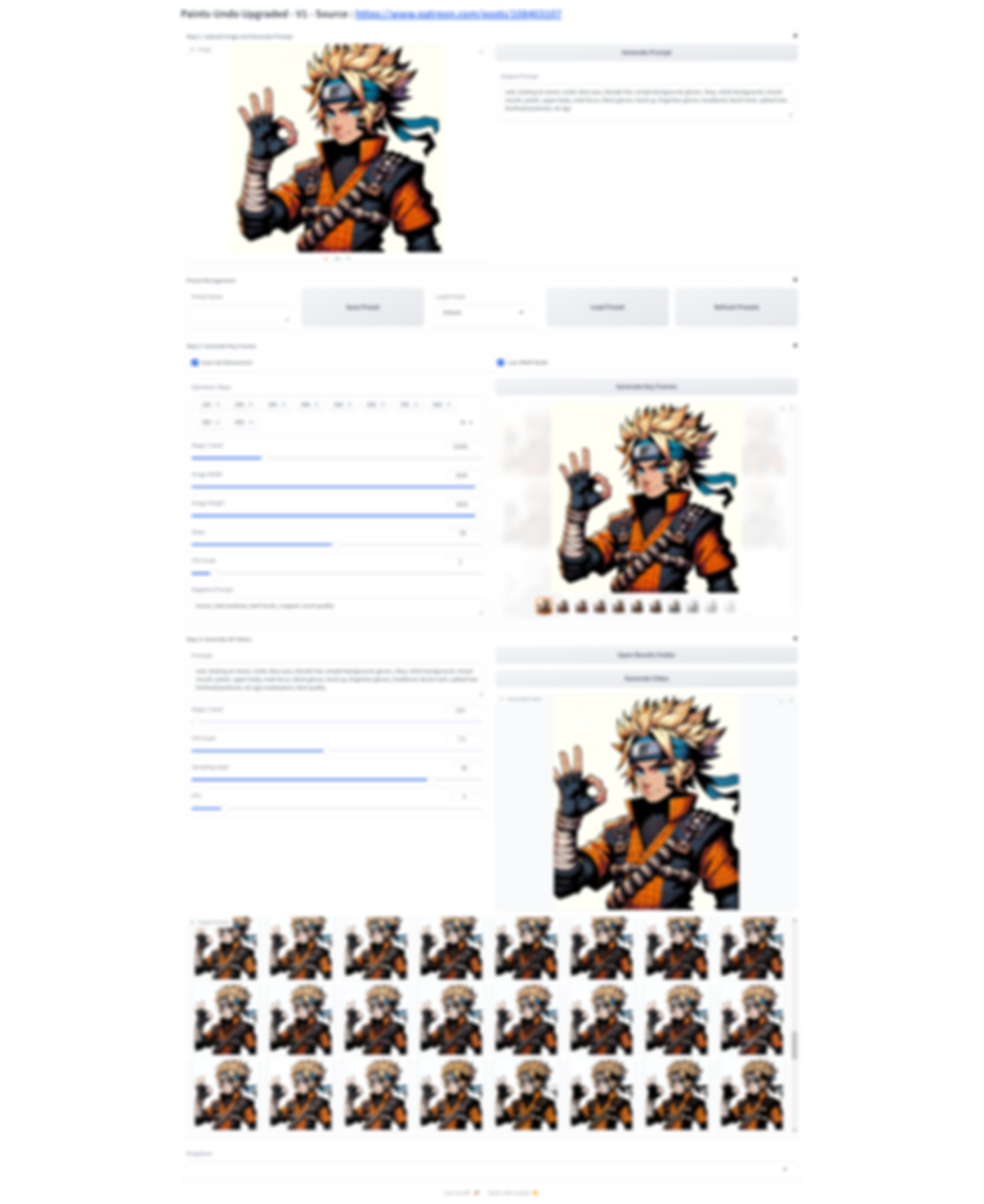
- The generated images will be saved automatically inside outputs folder
- When generating keyframes it uses a lot of VRAM especially at high resolution
- Generated video resolutions will be one of the 320x512, or 512x320, or 384x448, or 448x384 pixels. So if your input image aspect ratio be one of these you will get most accurate results
- The more keyframes you have it may generate better video but it may also use more VRAM - I am still experimenting
- Example test image provided in zip file
- Example test video attached to the post (generated from example test image with Paints UNDO)
Help and community
Patreon exclusive posts index to find our scripts easily
Join discord to get help, chat, discuss and also tell me your discord username to get your special rank : SECourses Discord
Please also Star, Watch and Fork our Stable Diffusion & Generative AI GitHub repository and join our Reddit subreddit