I have done over 40 trainings so far. But today I found out that since version v21.8.6 of Kohya SS GUI the script was broken for Stable Diffusion SD 1.5 based models training.
It was only training U-NET thus huge resemblance and quality loss.
So I started hyper parameter experimentation again sadly :(
Once I got best hyper parameters hopefully I will update this thread.
So far best working config : me_sd_7e7_v2.json
If you get error or if it starts using shared VRAM enable gradient checkpointing to reduce VRAM usage. If your VRAM still be insufficient, reduce resolution to 512x512px. Currently it is 768x768px.
So how to use latest working v21.8.4 of Kohya SS?
First git clone the repo as below
https://github.com/bmaltais/kohya_ss
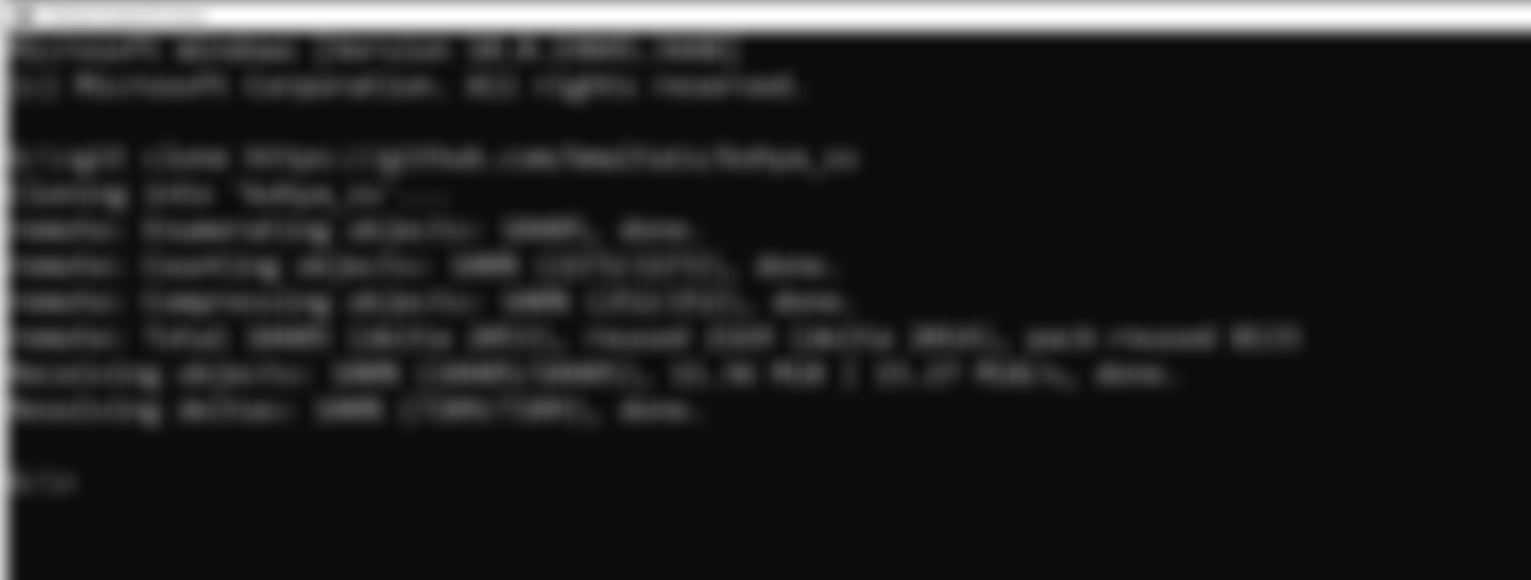
Then open a CMD inside clone repo. If you have already existing installation you don't have to reinstall.
And type git checkout v21.8.4
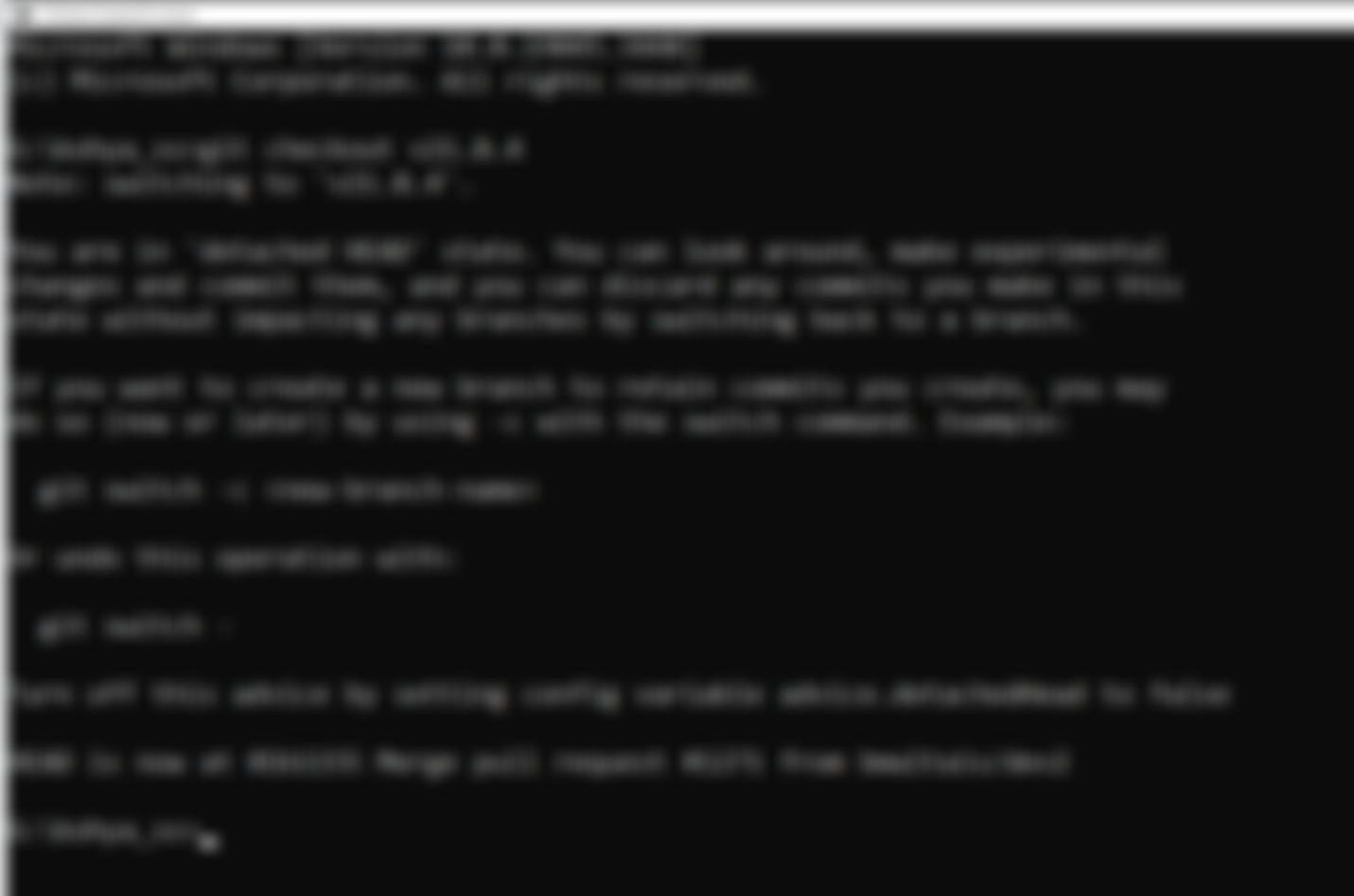
After that restart GUI and you will have a working version.
How did I know it was only training U-NET?
Here I have opened an issue thread : https://github.com/kohya-ss/sd-scripts/issues/855
Help and community
Join discord and tell me your discord username to get a special rank : SECourses Discord