On this page
Video tutorial
Fix 'Microsoft Visual C++ 14.0 or Greater Is Required' and Other AI Install Errors on Windows (2023) · chapters and summary
This post is now obsolete : https://www.patreon.com/posts/118827960
New post : https://www.patreon.com/posts/118827960
New scripts are published at : https://www.patreon.com/posts/118827960
https://www.patreon.com/posts/118827960
For mass editing captions > SECourses Caption Editor Pro: Easy Batch Caption Editing Gradio App
Latest installers : Joy_Caption_v25.zip
10 updates, newest first. Click an update to see its version log.
24 November 2024Update V23
- Stop batch processing button added as requested
24 November 2024Update V23
- Forced resize to 384px removed and now clip_processor will process and resize images
- Batch size fixed for newer Alpha One app but i felt like it slowed down for RTX 3090 on 4-bit mode
- Now models will be downloaded way faster
22 September 2024Update V20
- Joy Caption Alpha One added to the apps
- Now you can start both older Pre-Alpha and Alpha One via Windows start
- Cloud instructions also have details to start older or newer version
- 4-bit mode works perfect and uses as low as 8.5 GB GPU with newer Alpha One
- Make a fresh install into a new folder please
- After very first run (wait till download models and generate caption), restart app to make it fully accurately working
- We started using original LLAMA therefore you should delete older one that is in your Hugging Face cache to empty space
- Tutorial for this : How to Get Installation Logs and Change the Hugging Face Cache Folder
- The folder that you need to delete is models--rombodawg--Meta-Llama-3.1-8B-Instruct-reuploaded (optional but you save space)
- Please upvote this thread if possible : https://www.reddit.com/r/FluxAI/comments/1fmupnm/detailed_comparison_of_joycaption_alpha_one_vs/
19 September 2024Update V17
- Now it will display as JoyCaption in the browser tab
- A new feature remove repeating (duplicate) sentences added and it is enabled by default
15 September 2024Update V16
- Optional prefix and suffix added to the app (don't forget to add space char to beginning or end)
- Optional don't save captioned images checkbox added to the app
- Just overwrite previous app.py file for updating
Torch version upgraded to 2.4.1
27 August 2024Update V12
- A bug which was causing saved images in outputs folders to be resized fixed - now original input images saved
- Batch size processing added - can increase your processing speed
26 August 2024Update V11
- Massive updates arrived
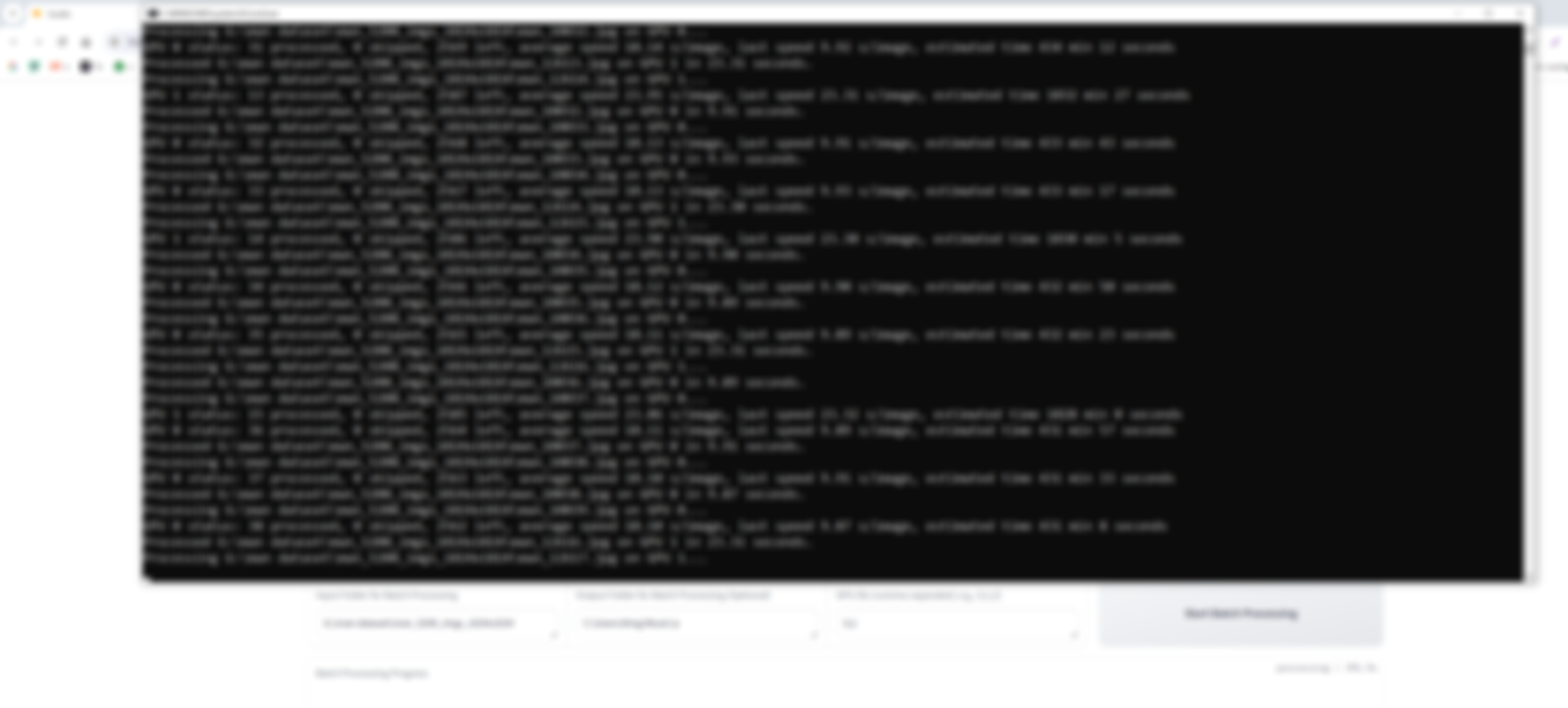
- Now fully supports multi GPU training
- Tested on 8X A6000 on Massed Compute and RTX 3090 TI + RTX 3060 on my windows PC
- New Resize Input Image Max Resolution added - i find 1536 works best
- Overwrite previous files for update
- Set multi GPU ids as 0,1,2,3 etc how many you have
- Full example images posted here : https://www.reddit.com/r/FluxAI/comments/1f1eaf3/afaik_first_fully_multigpu_supporting_batch_image/
- Who has fbgemm.dll error on Windows 11 the solutions posted below topic
- https://github.com/Acly/krita-ai-diffusion/issues/965
- Quick solution is as below (verified DLL)
- Download this dll and copy it to your /windows/system32 folder. https://www.dllme.com/dll/files/libomp140_x86_64/00637fe34a6043031c9ae4c6cf0a891d/download
25 August 2024Update V10
- Cut off at last complete sentence feature added
- Multi GPU-batch caption development in progress
24 August 2024Update V6 Big Update
- New library added - huge speed up
- 4-bit loading added - works perfect - try both and see if works fast
- Overwrite previous files and run installer again
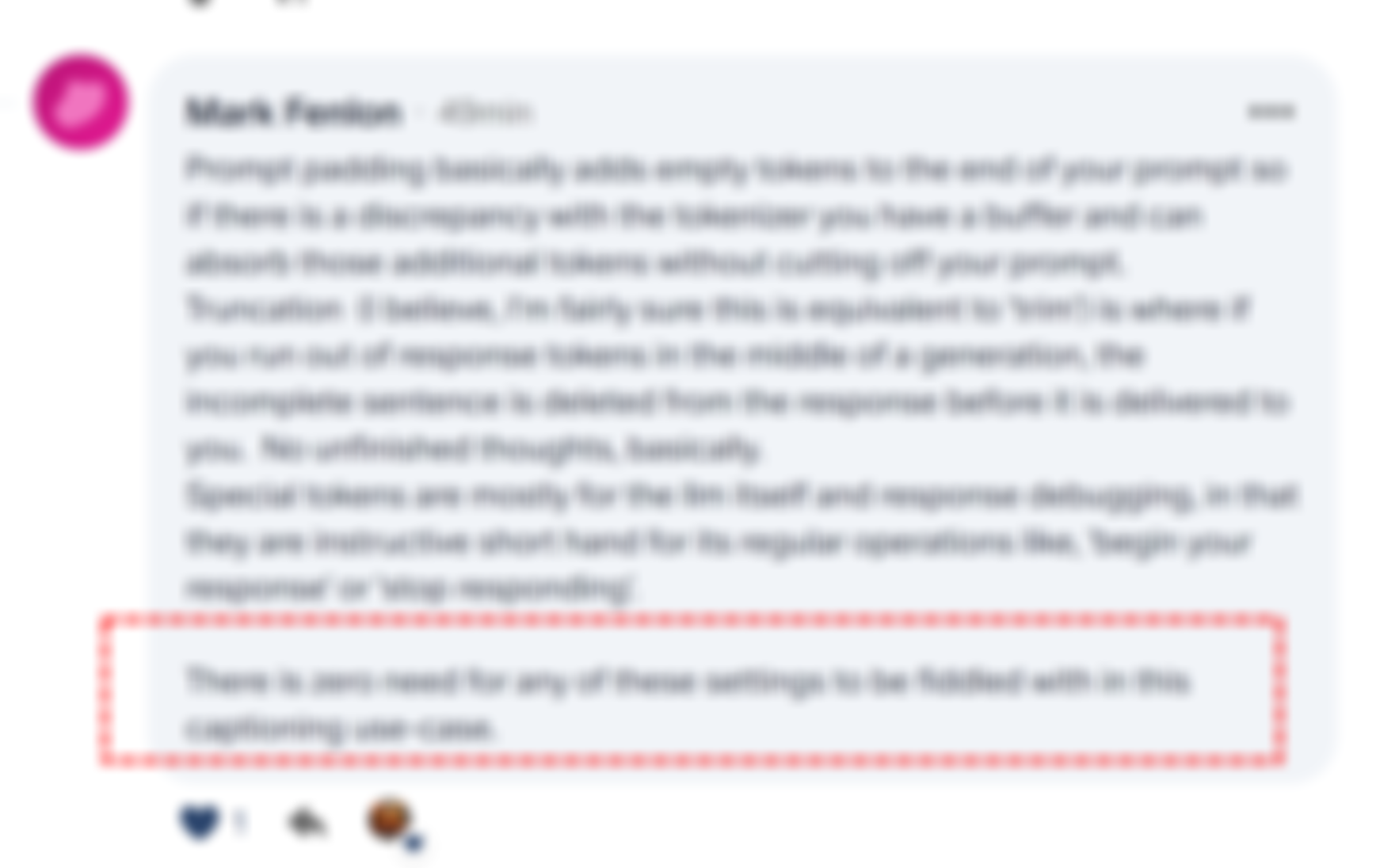
- More control options added Max New Tokens, Do Sample, Top K, Temperature, Padding,
Truncation, Add Special Tokens - Currently they are set as default
- Now app will auto remove |. from text outputs
- Batch processing errors fixed and logic improved and
24 August 2024Update
- Every single processed image now will be saved into outputs folder with generate caption automatically
- Open outputs folder button added
- Just overwrite previous app.py file
- Input image height set to 512px so you can see better
- Now it will show batch processing status better
- Also it adds "This is" to beginning of every caption and it will be auto removed now
Windows Requirements
- Python 3.10, FFmpeg, Cuda 11.8, C++ tools and Git
- If it doesn't work make sure to below tutorial and install everything exactly as shown in this below tutorial
- ▶ Fix 'Microsoft Visual C++ 14.0 or Greater Is Required' and Other AI Install Errors on Windows (2023)
How to Install and Use on Windows
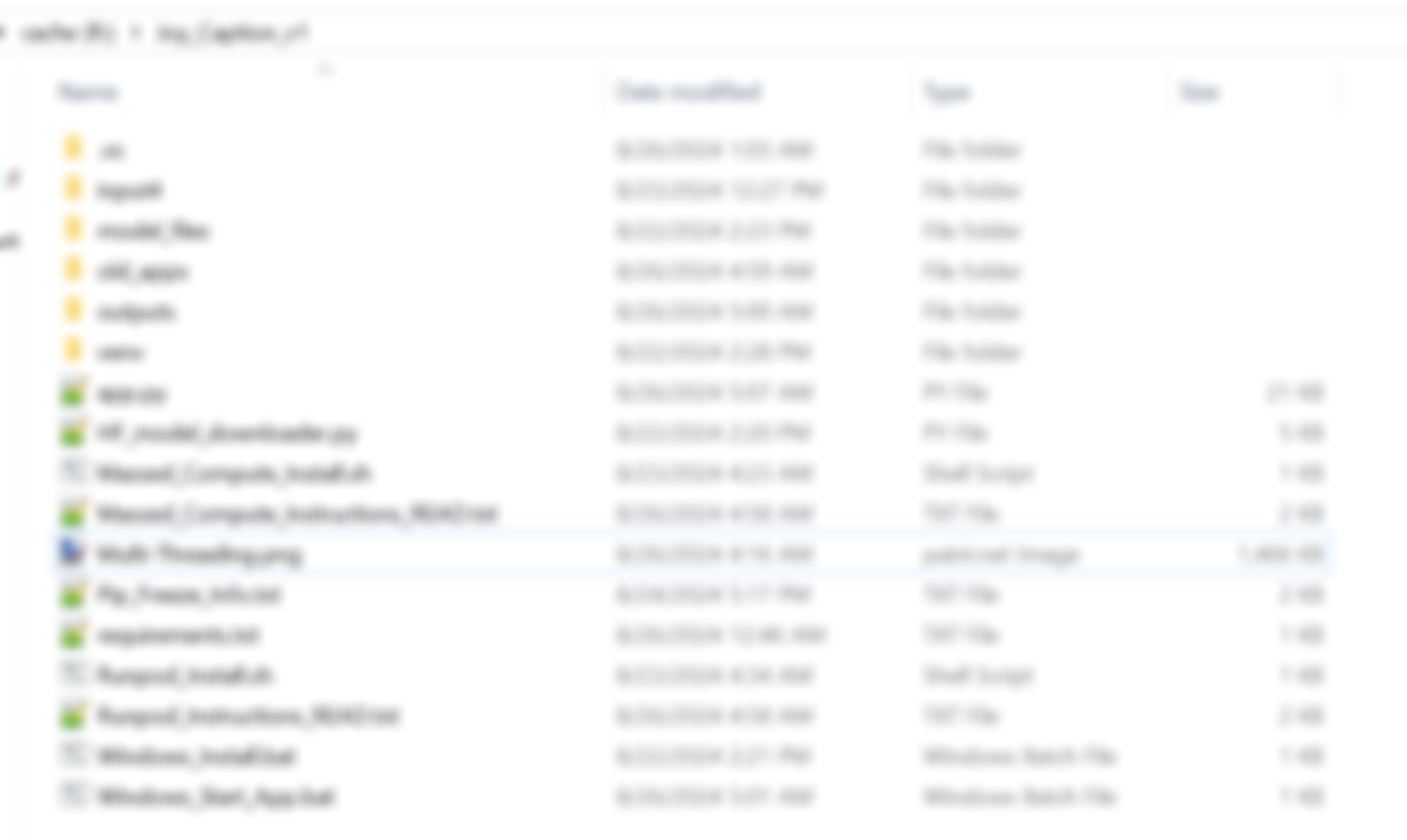
- Extract the attached Joy_Caption_v12.zip into a folder like c:/joyv7
- Then double click and install with Windows_Install.bat file
- It will generate an isolated virtual environment venv folder and install requirements
- Then double click and start the Gradio App with Windows_Start_App.bat file
- When first time running it will download models into your Hugging Face cache folder
- Hugging Face cache folder setup explained below
- How to Get Installation Logs and Change the Hugging Face Cache Folder
- It will by default save every caption with options as you set
- However for single files sadly Gradio can't read the folder accurately
- So use batch folder processing
How to Install and Use on Cloud
- Follow Massed Compute and RunPod instructions
- Usage is same as on Windows
Regarding Default Expert Settings
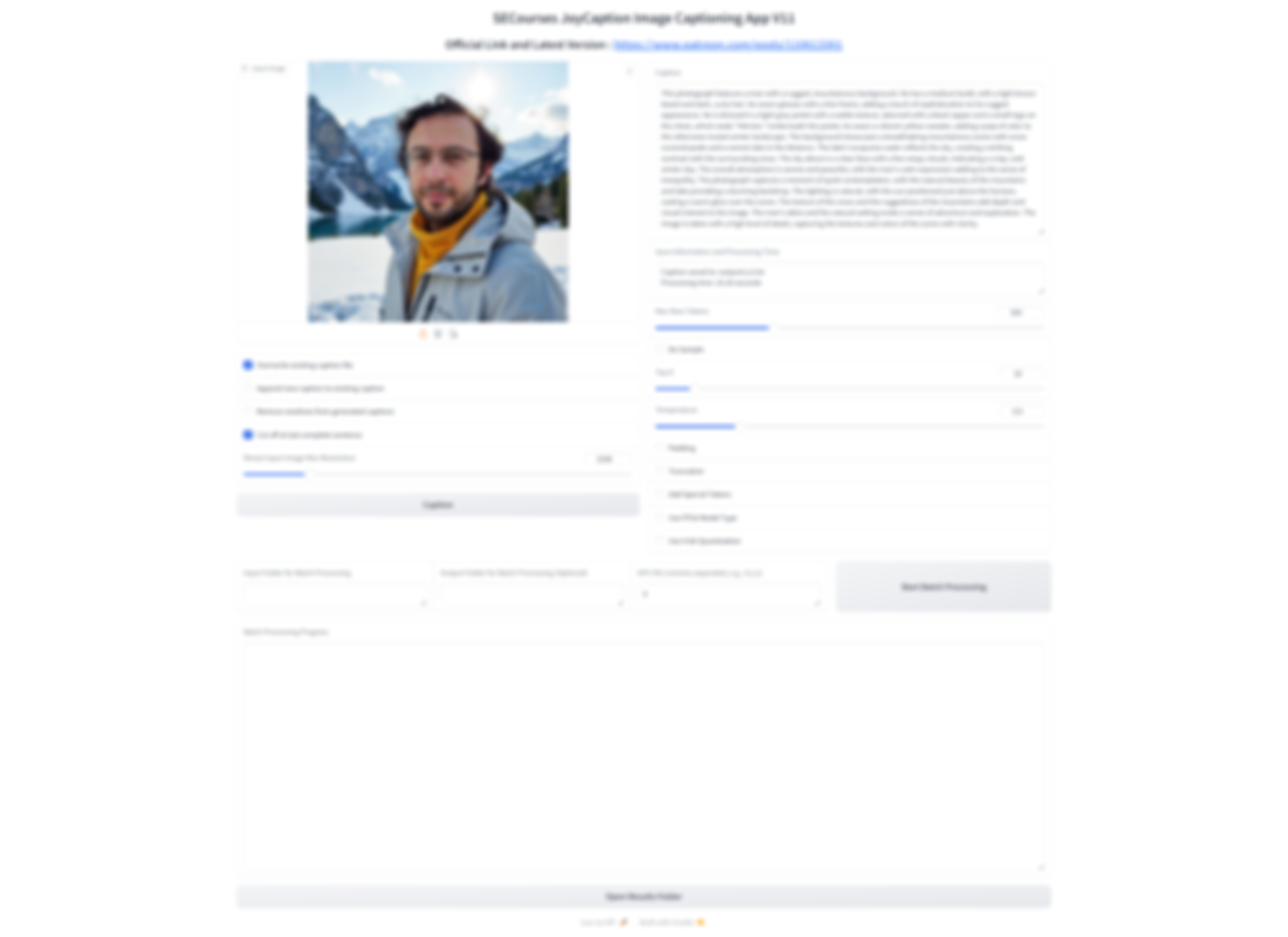
App Screenshots and Examples
Help and community
Patreon exclusive posts index to find our scripts easily, Patreon scripts updates history to see which updates arrived to which scripts and amazing Patreon special generative scripts list that you can use in any of your task.
Join discord to get help, chat, discuss and also tell me your discord username to get your special rank : SECourses Discord
Please also Star, Watch and Fork our Stable Diffusion & Generative AI GitHub repository and join our Reddit subreddit and follow me on LinkedIn (my real profile)