On this page
Older post. this is an older post kept for reference. The current, maintained version is Ultimate Image Processing App: 1-Click Batch Cropping, SAM 3.1 Masking.
13 June 2024 Update
- Installer file updated
- Requirement is Python 3.10
How To Use
- First run Windows_Install .bat file to install
- It will make a venv and install only 2 necessary libraries
- Then open and edit find_dups_hashes .py file
- You can use any editor like notepad++, visual studio code etc, even notepad
- Don't forget to change source_folder path and dest_folder path
- The duplicate images will be moved into dest_folder path
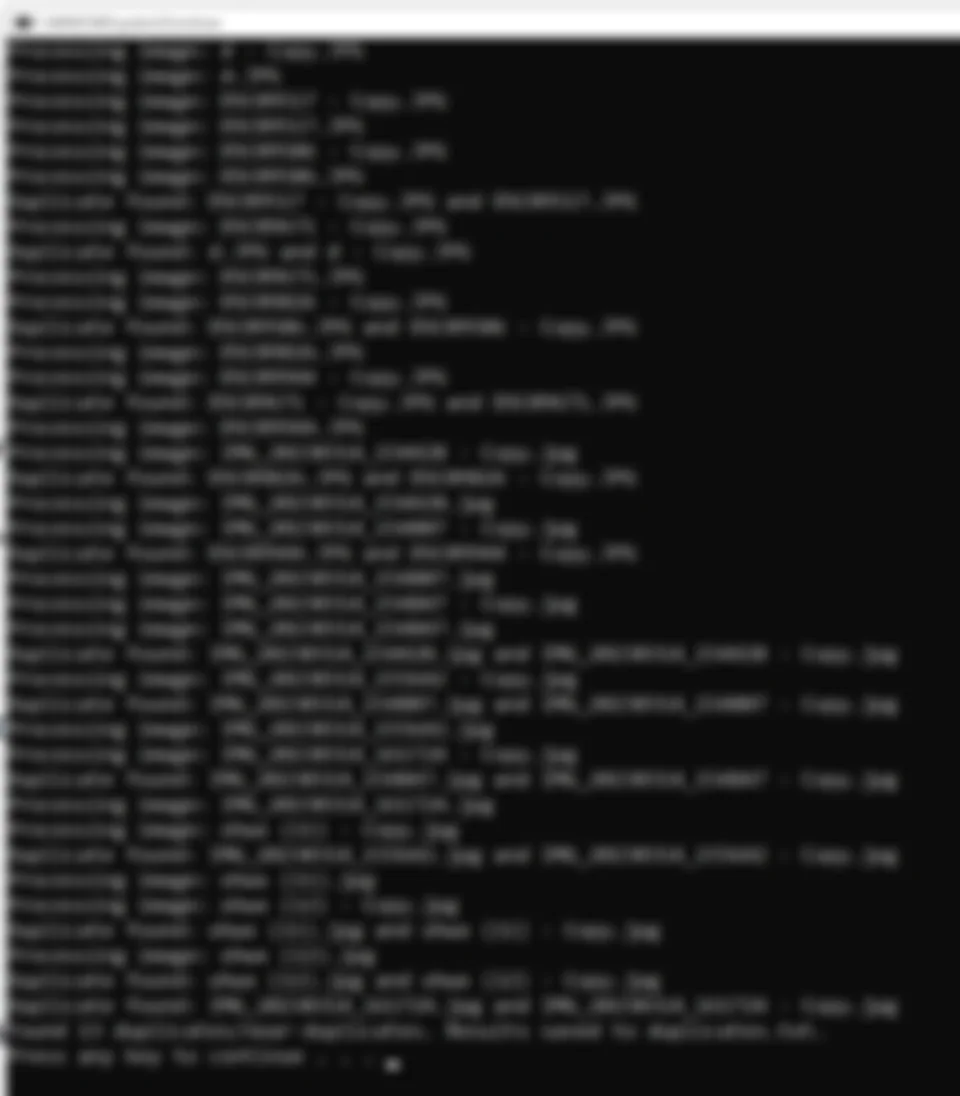
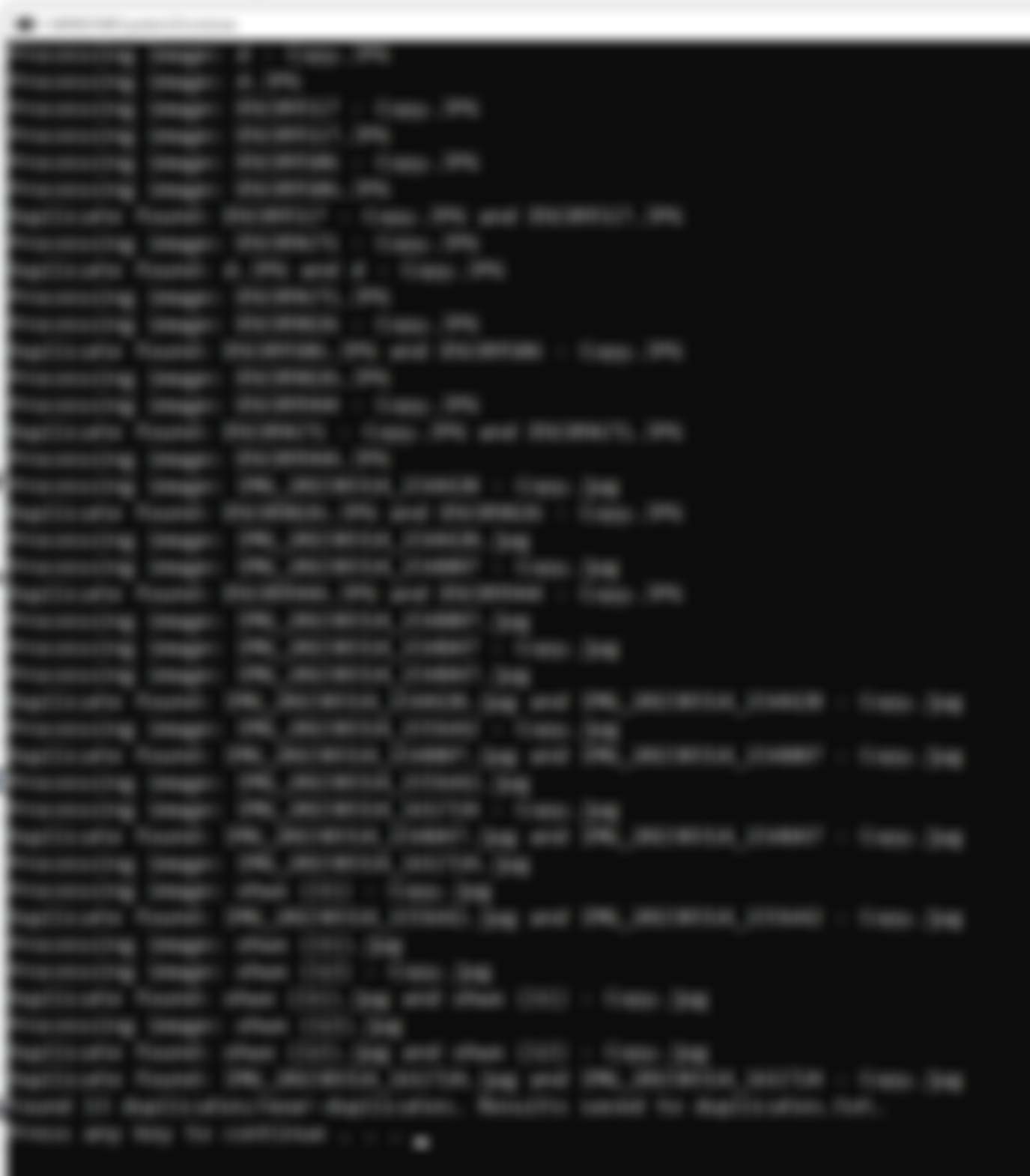
- It will log duplicates into duplicates . txt file
- cutoff variable is the most important variable. Increase it to cover similar images and lower it to find exact matches. Play with it to see its effect
- Set num_threads according to your CPU power
- Then double click and start Windows_Run .bat for processing
- It will display all messages
Help and community
Join discord and tell me your discord username to get a special rank : SECourses Discord