ComfyUI Clothing Transfer & 3D Figure Workflows: 1-Click Tutorial
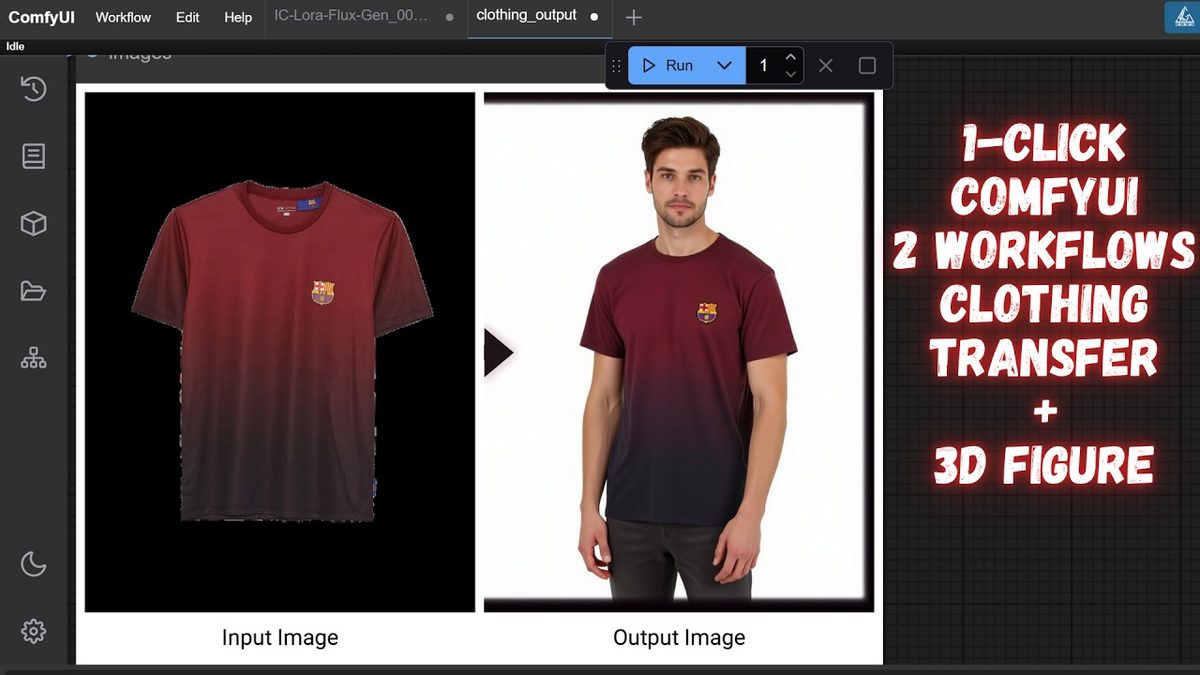
ComfyUI workflows that transfer any clothing onto a new person and turn any person into a 3D toy figure, installed in 1 click and run with FLUX Dev models.
Highlights
The tutorial covers the 1-click install, model downloads with the SwarmUI model downloader (FLUX Dev GGUF Q8 and low-VRAM options), the Clothing Migration workflow bundle and block swapping for about 8-10 GB VRAM.
Video tutorial
Set Up Windows 11 for AI Apps: Python, CUDA, cuDNN, C++ Build Tools, FFmpeg and Git (2024 Guide) · chapters and summary
More videos: Put Any Clothing on a New AI Person, Then Turn Photos Into 3D Figures (FLUX in ComfyUI), ComfyUI Too Hard? Make AI Images and Videos Locally With SwarmUI (1-Click Install, 2025)
Related

ComfyUI Auto Installer: 1-Click Windows, Linux & Cloud With Presets
ComfyUI auto installer that sets up Sage Attention, Triton, xFormers and Flash Attention in one click, with ready presets for image, video and lip sync models.

ComfyUI & SwarmUI on Massed Compute and RunPod: Cloud GPU Tutorial
ComfyUI and SwarmUI set up in 1 click on Massed Compute and RunPod cloud GPUs, with multi-GPU backends for faster Qwen, FLUX and Wan 2.2 generation.

ComfyUI Install & FLUX 3 Klein: The Complete Beginner Tutorial
ComfyUI beginner tutorial: install on Windows and learn FLUX 3 Klein with 16 core examples, precise image edits, RTX 5090 tests and launcher tuning.