MultiTalk Super Charged: New Workflows, Better Animation, Same VRAM
MultiTalk image-to-video workflows for ComfyUI, improved after over 1 day of tests on 8x A6000 GPUs: 4 workflow categories with better animation.
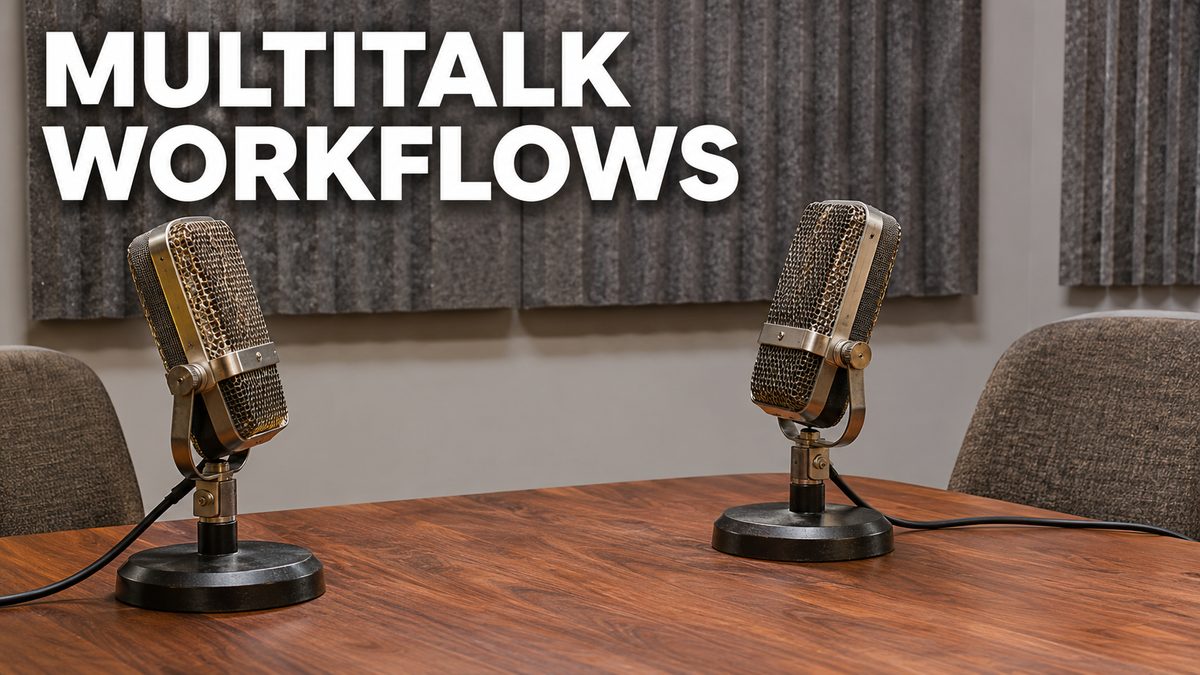
Highlights
Amazing animations, and none of these examples are cherry-picked; VRAM use and speed stay the same. Includes a 4K demo video, the new SwarmUI and MultiTalk bundle, singing animation examples and a new lightweight image and video comparison slider app.
Video tutorial
Turn One Photo Into a Talking or Singing Video: MultiTalk Wan 2.1 Full Tutorial (1-Click) · chapters and summary
More videos: Make a Photo Sing and Talk: MultiTalk for Wan 2.1 With Upgraded Workflows
Related
FramePack 1-Click Installers: Image-to-Video on Just 6 GB VRAM
FramePack, lllyasviel's image-to-video model, makes 30 FPS videos up to 120 seconds long in an advanced Gradio app with Sage Attention and Teacache support.
LTX 2 Ultimate Tutorial: ComfyUI & SwarmUI on Windows and Cloud
LTX2 video tutorial covering ComfyUI and SwarmUI setup, model downloads and ready presets plus Z-Image Base, on GPUs with as low as 6 GB VRAM.
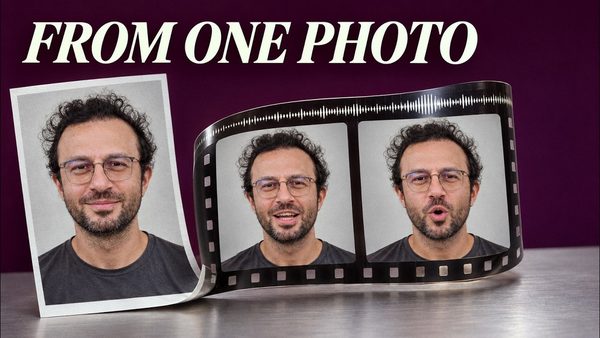
LongCat Avatar Tutorial: Turn Your Photo and Voice Into a Talking Video
LongCat Avatar 1.6 turns one photo and one audio file into a lip-synced talking video on your own GPU; our 3-step preset runs 2.9x faster than 8 steps.