MultiTalk Levelled Up: New ComfyUI Workflows for Better Animation
MultiTalk turns a static image and audio into talking and singing videos; 4 new ComfyUI workflow categories give better animation at the same VRAM and speed.
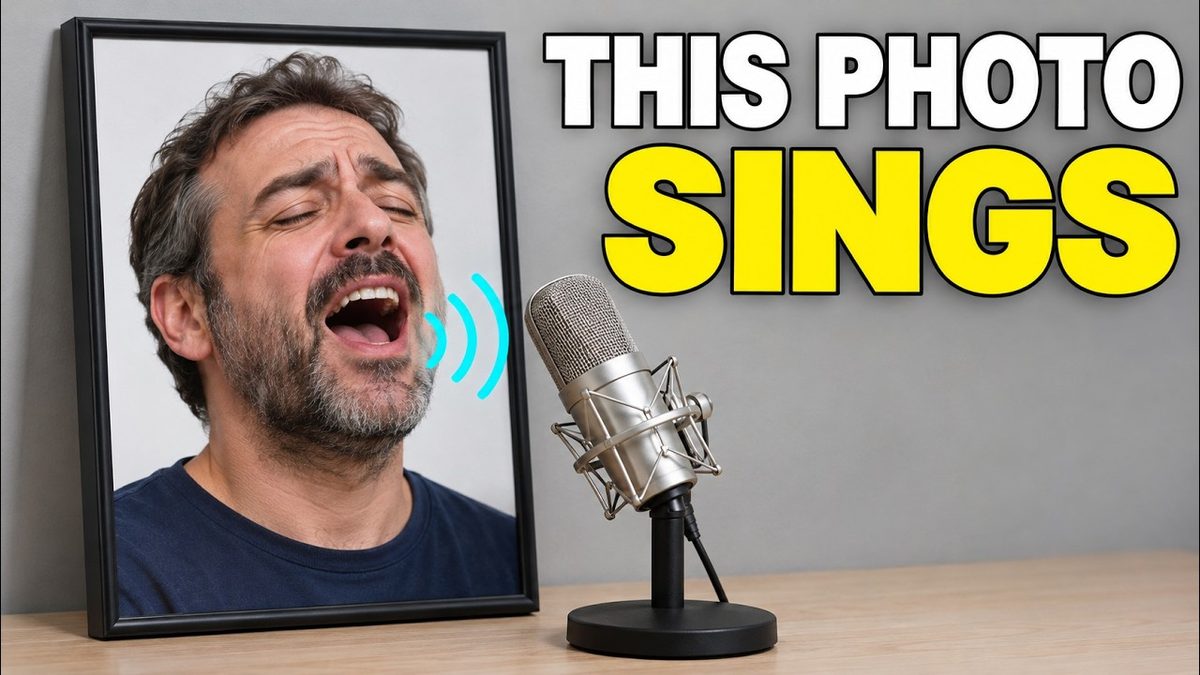
Highlights
Image to video animation is way better compared to before after more than a day of research on 8x A6000 GPUs, with lower VRAM workflows in every folder. Also introduces a lightweight HTML image and video comparison slider app that needs no GPU.
Video tutorial
Turn One Photo Into a Talking or Singing Video: MultiTalk Wan 2.1 Full Tutorial (1-Click) · chapters and summary
More videos: Set Up Windows 11 for AI Apps: Python, CUDA, cuDNN, C++ Build Tools, FFmpeg and Git (2024 Guide), Make a Photo Sing and Talk: MultiTalk for Wan 2.1 With Upgraded Workflows
Related
FramePack 1-Click Installers: Image-to-Video on Just 6 GB VRAM
FramePack, lllyasviel's image-to-video model, makes 30 FPS videos up to 120 seconds long in an advanced Gradio app with Sage Attention and Teacache support.
Wan2GP 1-Click Installer for Windows, RunPod & Massed Compute
Wan2GP runs Wan 2.1 and Wan 2.2 video models like Wan 2.2 Animate with optimized VRAM use, and this automatic installer sets it up with uv about 100x faster.
Wan 2.1 Gradio App: 1-Click Install, 4 GB VRAM, T2V, I2V & V2V
Wan 2.1 Gradio app for text to video, image to video and video to video that runs with as low as 4 GB VRAM and batch processes whole folders.