IDM-VTON Virtual Try-On App: Windows, Cloud & Free Kaggle Installers
IDM-VTON virtual try-on app that puts any clothing, and even objects, onto a person photo, with FP16 for the best results or 4-bit quantization for low VRAM.

Highlights
Automatic installers for Windows, RunPod and Massed Compute plus a free Kaggle account notebook. The latest version supports RTX 5000 series GPUs with Torch 2.7 and CUDA 12.8 and uses the official pipeline to prevent color changes.
Video tutorial
Set Up Windows 11 for AI Apps: Python, CUDA, cuDNN, C++ Build Tools, FFmpeg and Git (2024 Guide) · chapters and summary
More videos: Native 4 MP AI Images, Fast on Low VRAM: NVIDIA SANA Step-by-Step Tutorial (Windows, Cloud, Kaggle)
Related

IDM-VTON Virtual Try-On App Released: Installers & Free Kaggle Notebook
IDM-VTON virtual try-on app dresses anyone in any clothing and can transfer objects too; it handles any resolution and aspect ratio with manual masking.
BiRefNet HR Background Remover: 1-Click Gradio App for Windows & Cloud
BiRefNet HR removes backgrounds at high resolution in single or batch mode, with BF16, FP16 or FP32 precision and a No Resize mode that keeps native size.
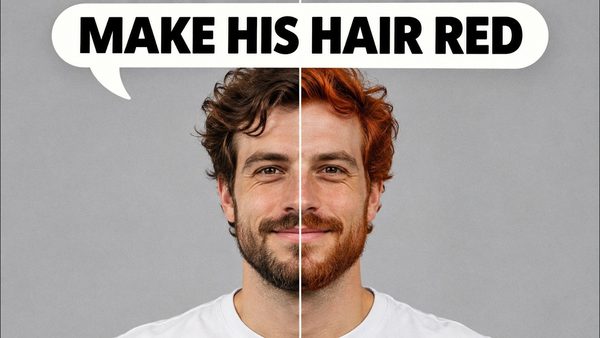
FLUX Kontext Dev Tutorial: Local Image Editing on Windows
FLUX Kontext Dev edits any part of an image with just a prompt, no mask or ControlNet, and can restore, colorize, outpaint and combine images in SwarmUI.
More in AI Image Generation and Editing Apps.