VEO 3 Flow Full Tutorial: How to Use VEO 3 in Google Flow
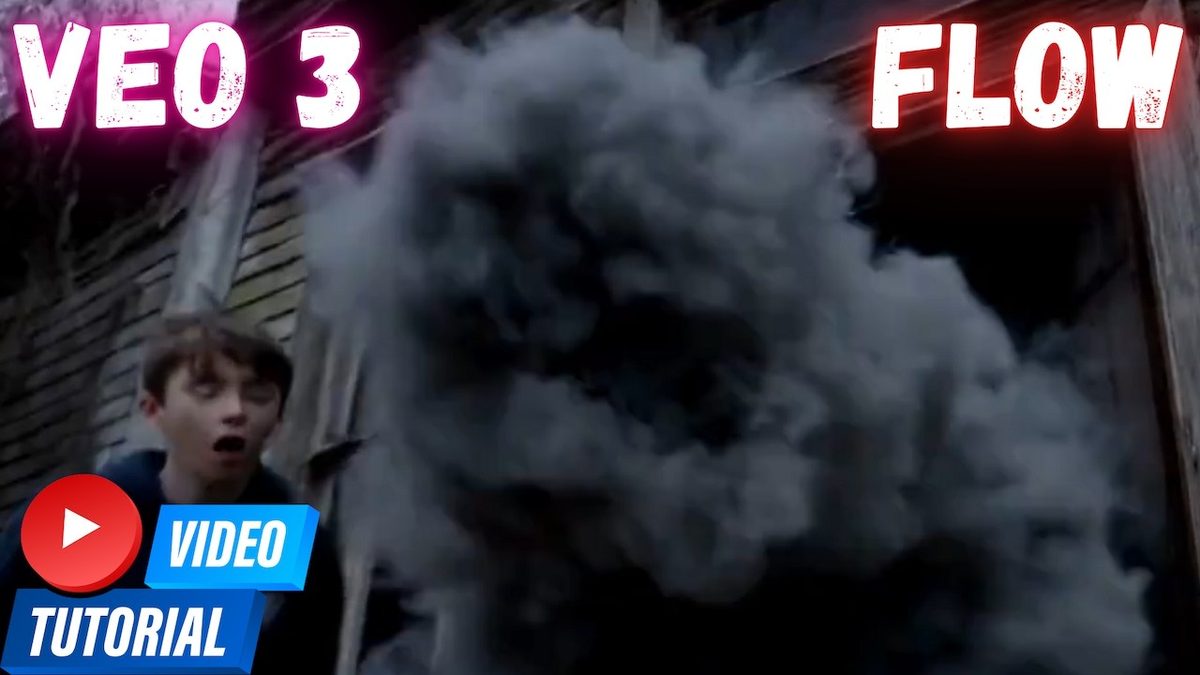
VEO 3 in Flow, Google's official tutorial, slightly edited: make cinematic video clips with native audio in the Flow AI filmmaking tool, with chapters.
Highlights
Guide to using VEO3 in Flow: text-to-video and frames-to-video modes, the ingredients drawer, camera controls, Scenebuilder and asset management, and how Veo 3 makes dialogue, sound effects and music from a single prompt.
Video tutorial
VEO 3 FLOW Full Tutorial - How To Use VEO3 in FLOW Guide · chapters and summary
Related
FramePack 1-Click Installers: Image-to-Video on Just 6 GB VRAM
FramePack, lllyasviel's image-to-video model, makes 30 FPS videos up to 120 seconds long in an advanced Gradio app with Sage Attention and Teacache support.
Wan2GP 1-Click Installer for Windows, RunPod & Massed Compute
Wan2GP runs Wan 2.1 and Wan 2.2 video models like Wan 2.2 Animate with optimized VRAM use, and this automatic installer sets it up with uv about 100x faster.
Wan 2.1 Gradio App: 1-Click Install, 4 GB VRAM, T2V, I2V & V2V
Wan 2.1 Gradio app for text to video, image to video and video to video that runs with as low as 4 GB VRAM and batch processes whole folders.