VAST-AI TripoSF 3D Shape Gradio App: 1-Click Windows & Cloud Installer
VAST-AI TripoSF Gradio app for 3D shapes downloads its model automatically; V6 adds batch processing and improved, fixed output naming.
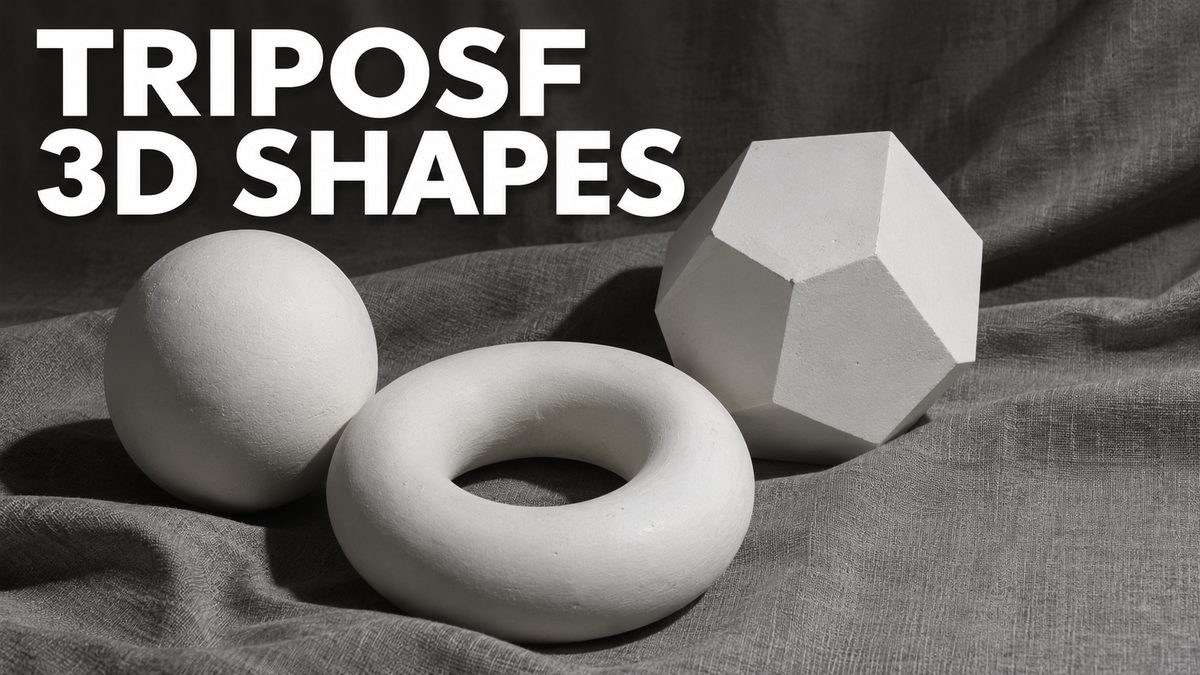
Highlights
Very advanced Gradio app with a 1-click installer for Windows plus RunPod and Massed Compute installers, made possible by extra compiled libraries and updated to the official Torch 2.7 and CUDA 12.8.
What it does
This very advanced Gradio app runs TripoSF, a 3D shape model from VAST-AI, on your own PC or on a cloud GPU. It downloads the necessary model file automatically; if the download fails, run the installer again. More features are planned for the app.
What you get
- A 1-click installer for Windows
- RunPod and Massed Compute installers, made possible by extra compiled libraries
- Batch processing, added in V6 (May 2025)
- Improved and fixed output naming
- Installers updated to the official Torch 2.7 and CUDA 12.8
Requirements
Windows needs Python 3.10, FFmpeg, CUDA 12.8 or above, cuDNN 9.7 or above, C++ tools, MSVC and Git. If the install fails, follow the Windows requirements tutorial step by step. Massed Compute is the recommended cloud, and RunPod uses the template written in its instructions file.
Video tutorial
The example cloud tutorial shows how to install and use these installers on Massed Compute and RunPod.
Video tutorial
Set Up Windows 11 for AI Apps: Python, CUDA, cuDNN, C++ Build Tools, FFmpeg and Git (2024 Guide) · chapters and summary
More videos: Native 4 MP AI Images, Fast on Low VRAM: NVIDIA SANA Step-by-Step Tutorial (Windows, Cloud, Kaggle)
Related
TRELLIS Image to 3D: 1-Click Installers With Multi-Image Input
TRELLIS V10 turns one image or 2 to 4 views of an object into a textured GLB mesh, a Gaussian splat PLY and an MP4 turntable preview, with low VRAM presets.
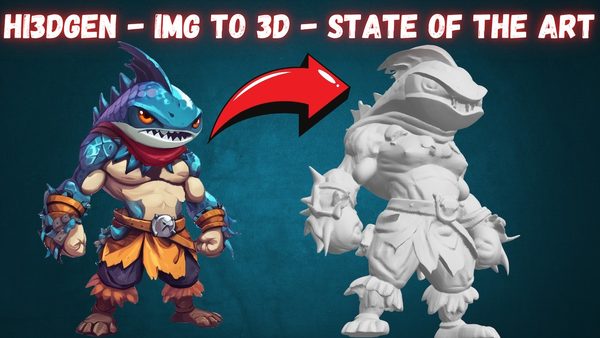
Hi3DGen Image to 3D Mesh Generator App: 1-Click Windows & Cloud
Hi3DGen turns a single image into a detailed, UV-unwrapped 3D mesh on your own PC; on an RTX 5090 our dwarf example became a 344,622-face mesh in 1 minute.
TRELLIS 2 App: Image to 3D Mesh & Texture With UniRig Auto Rigging
Microsoft TRELLIS 2 premium app generates top quality 3D models with mesh and texture from images, with libraries precompiled for RTX 1000 to 5000 series GPUs.
More in Image to 3D Generation Apps.