SUPIR Full Tutorial: 1-Click Install, Batch Upscale & Magnific Test
SUPIR image upscaler full 33-minute tutorial: install with 1 click on Windows or RunPod and Linux, run on 12 GB VRAM GPUs and batch upscale your images.
Highlights
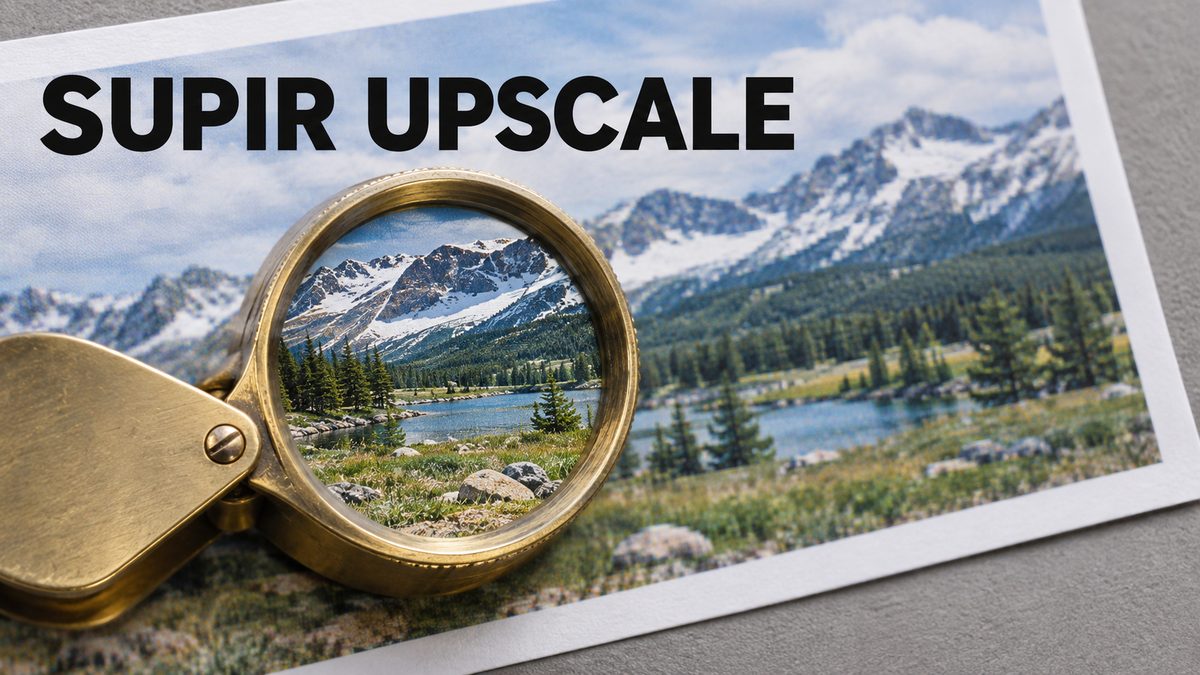
Side-by-side comparisons show SUPIR beating Magnific AI and Topaz AI while staying faithful to the original image; SUPIR starts a new era of upscaling. The improved Gradio app adds batch upscale, randomized seeds and Juggernaut XL V9 as the base model.
Video tutorial
Restore and Upscale Old, Blurry Photos With AI: SUPIR Full Tutorial With 10 Real Tests (2024) · chapters and summary
Related
SECourses Upscaler Pro: SeedVR2 & FlashVSR+ Video and Image Upscaler
SECourses Upscaler Pro turns low-resolution videos and images into sharp 1080p, 2K and 4K results with nine AI engines in one standalone app.
SUPIR 1-Click Installer for Windows, Linux, Cloud & Free Kaggle
SUPIR upscales and restores images better than Magnific, for example a 3x upscale from 1024 to 3072 px with face restore, and now supports up to 4 LoRAs.
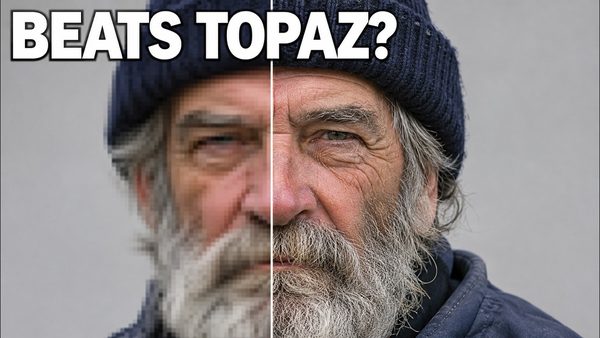
SECourses Upscaler Pro Tutorial: FlashVSR+ & SeedVR2.5 vs Topaz AI
SECourses Upscaler Pro beats Topaz AI by far in side-by-side video tests, using specialized FlashVSR+ and SeedVR2.5 on local GPUs with as little as 8 GB VRAM.